Photo-real designs from every angle, in one click
Get more attention, more clicks and more sales with 3D product shots for your sales pages, social posts, emails and ads — without redesigning, without AI prompts and without complicated 3D software.
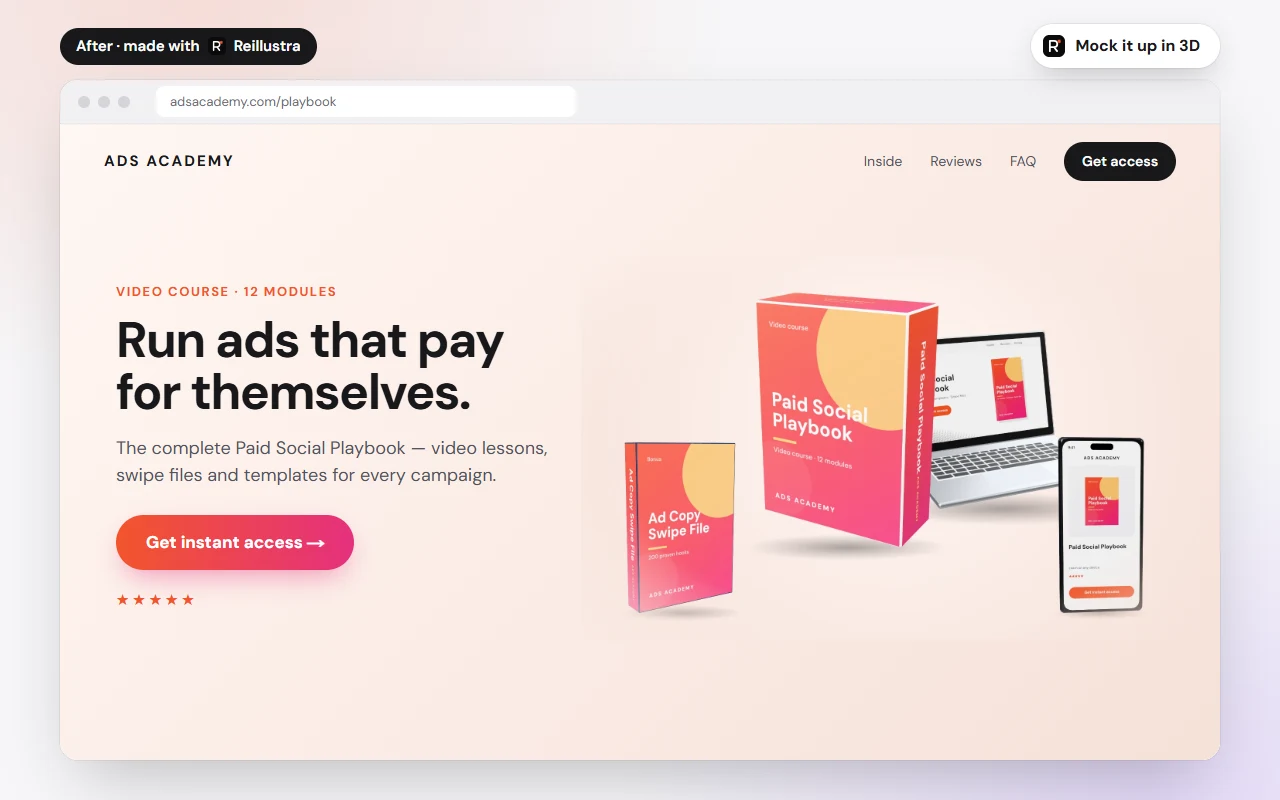
A plain sales page turned premium — the bundle on the right was made in Reillustra.
- Free forever plan
- No credit card
- Runs in your browser
- Commercial use
Everything you need to sell with visuals
One tool for the whole job: design it, wrap it onto a product, shoot it from any angle and publish it everywhere.
All-in-one visual engine
Design, edit photos and build 3D mockups in one browser tab.
3D product studio
Real geometry, materials and light. Spin your product a full 360°.
Every angle, one design
Change the camera, not the artwork. Every view is ready instantly.
Instant wrap
Artwork maps itself onto curved labels, covers, boxes and screens.
Studio lighting
Six lighting moods, from soft studio to neon night, in one click.
Stand out from competitors
Look like an established brand next to flat, forgettable images.
Turn browsers into buyers
Show people exactly what they get, so offers feel real and worth it.
No AI prompt roulette
Your exact text and logo, pixel-perfect. Nothing invented or garbled.
Bring your own models
Upload .glb, .gltf or .obj files and print on any part of them.
Commercial use
Use what you make for your own products and for client work.
Create phenomenal designs like this…
Every product shot on this page was made with Reillustra — the same studio you'll use.
Start from scratch
A blank canvas in any of 26 preset sizes, or a custom size up to 8000 px.
Start from a template
Ready-made designs for social posts, thumbnails, slides, print, logos and more.
Start from your own image
Upload a PNG, JPG or WEBP — your logo, label, cover or screenshot — and wrap it.
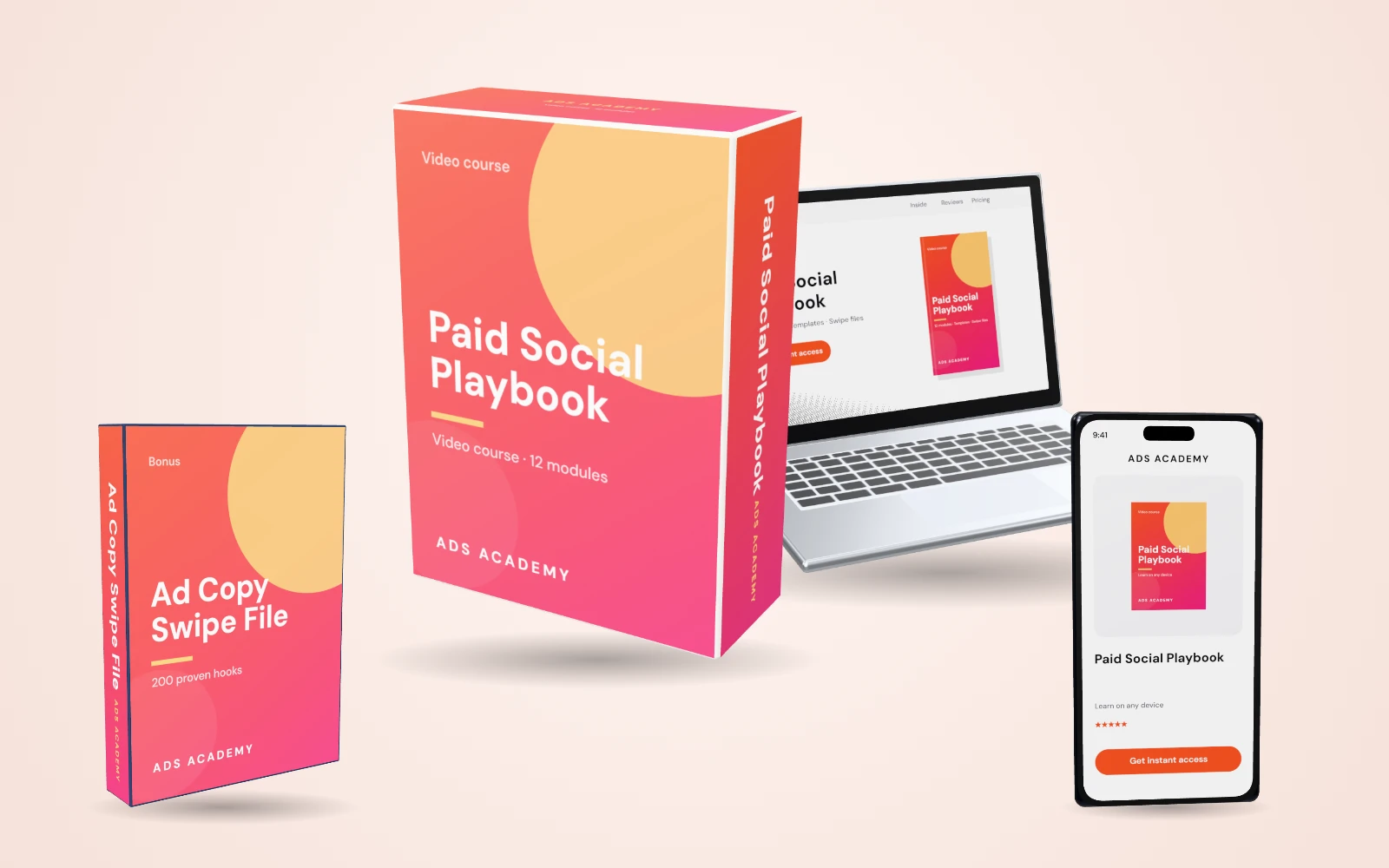
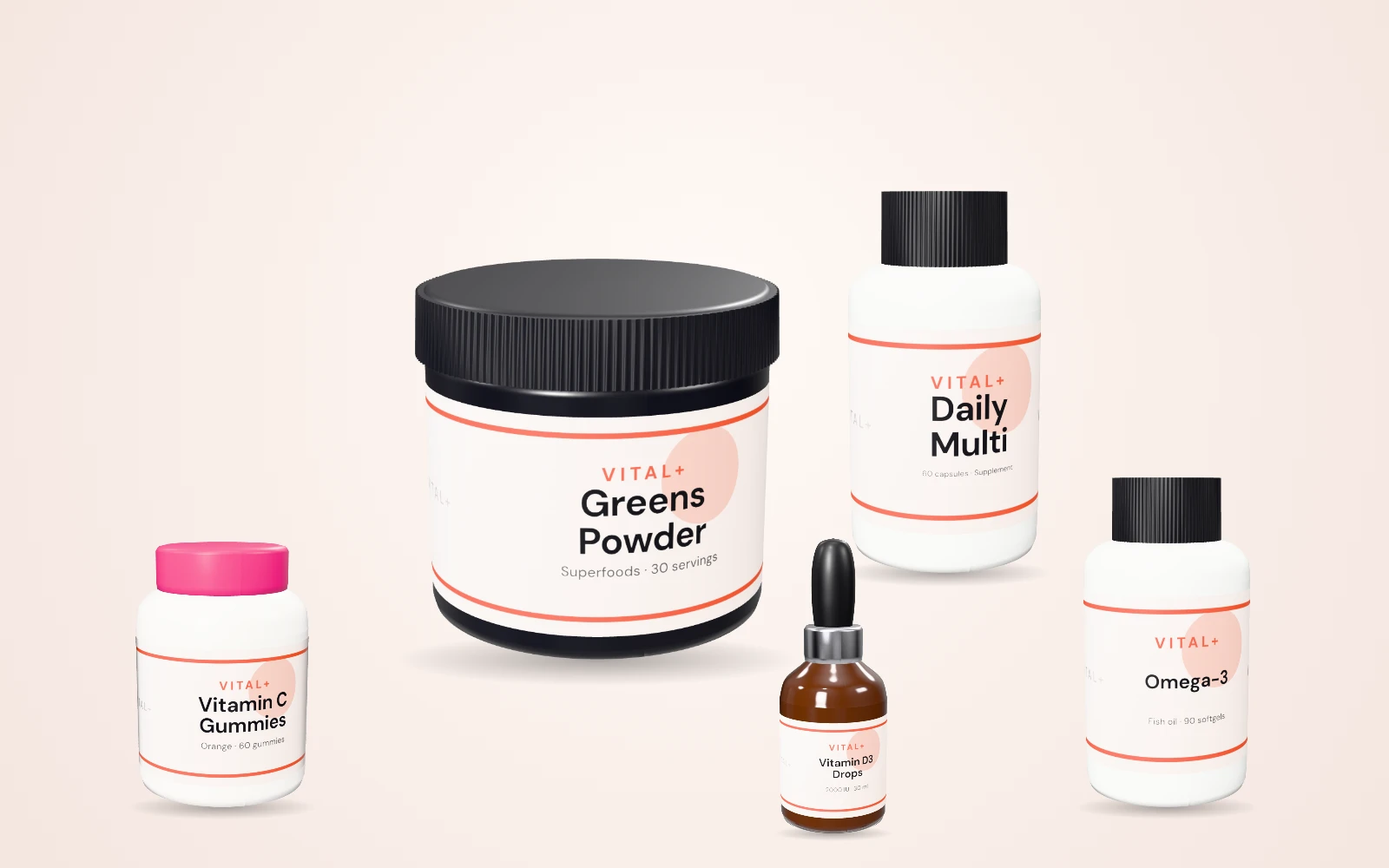
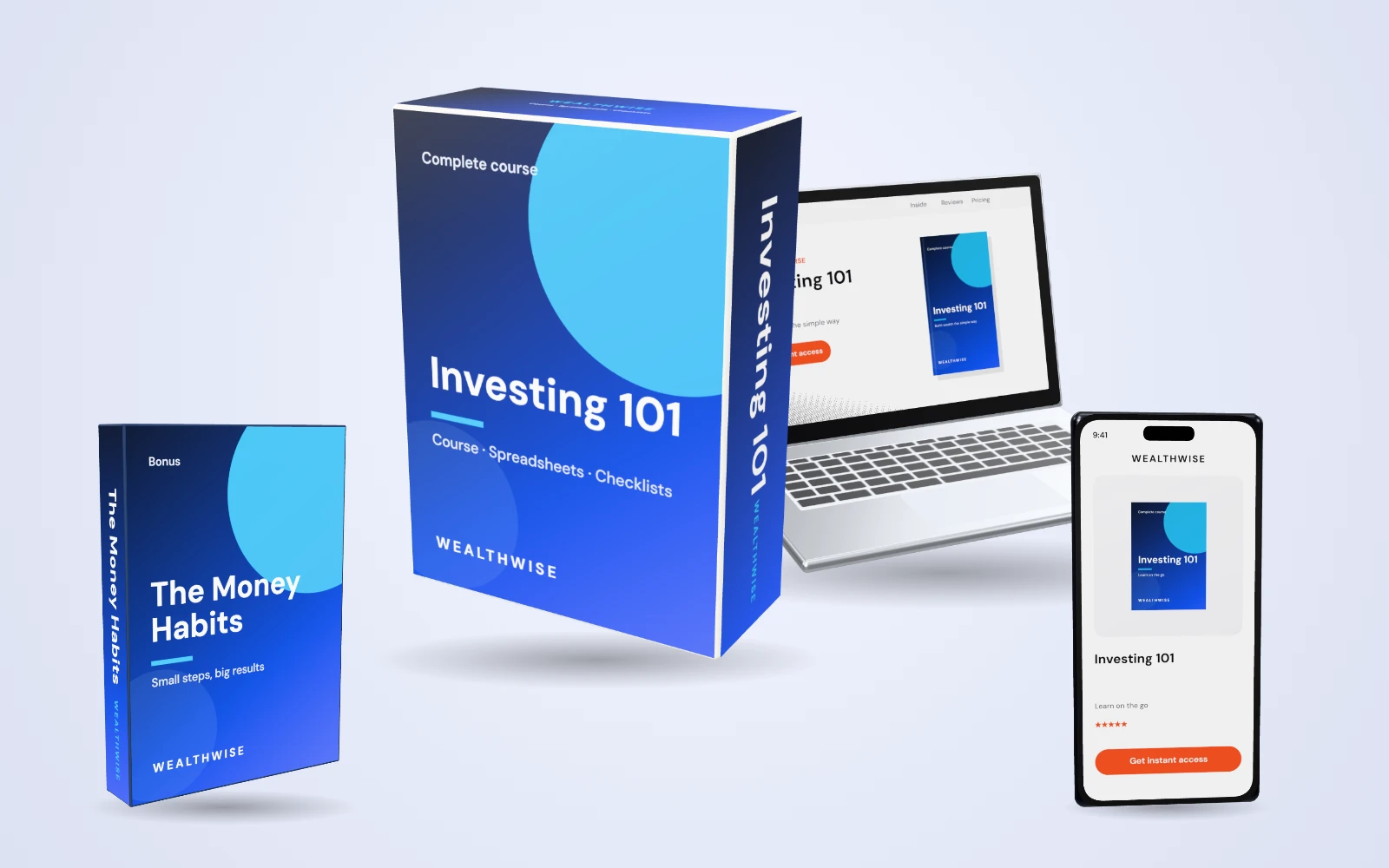
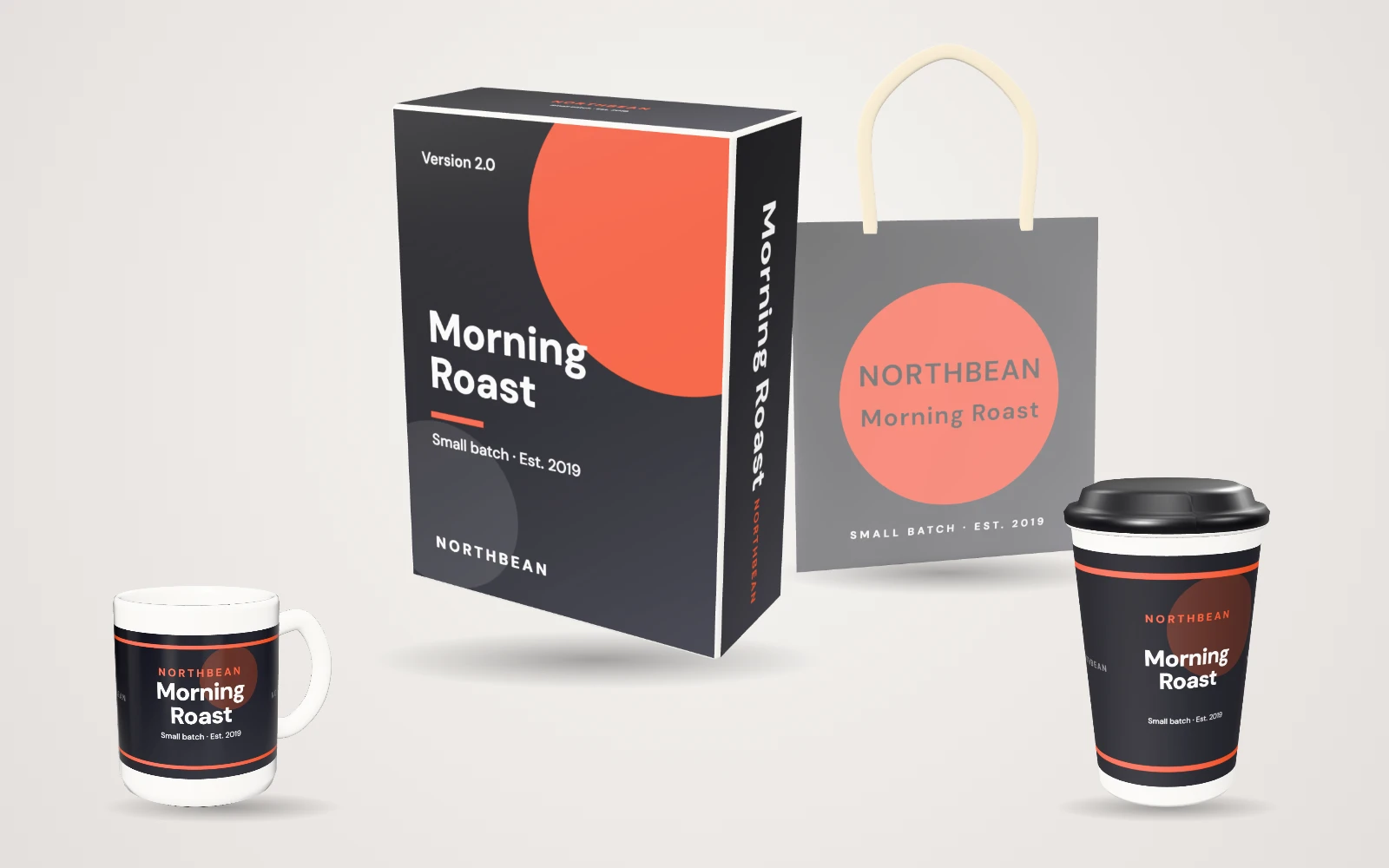
It's as easy as 1, 2, 3…
Flat design in, finished product shots out — from every angle you need.
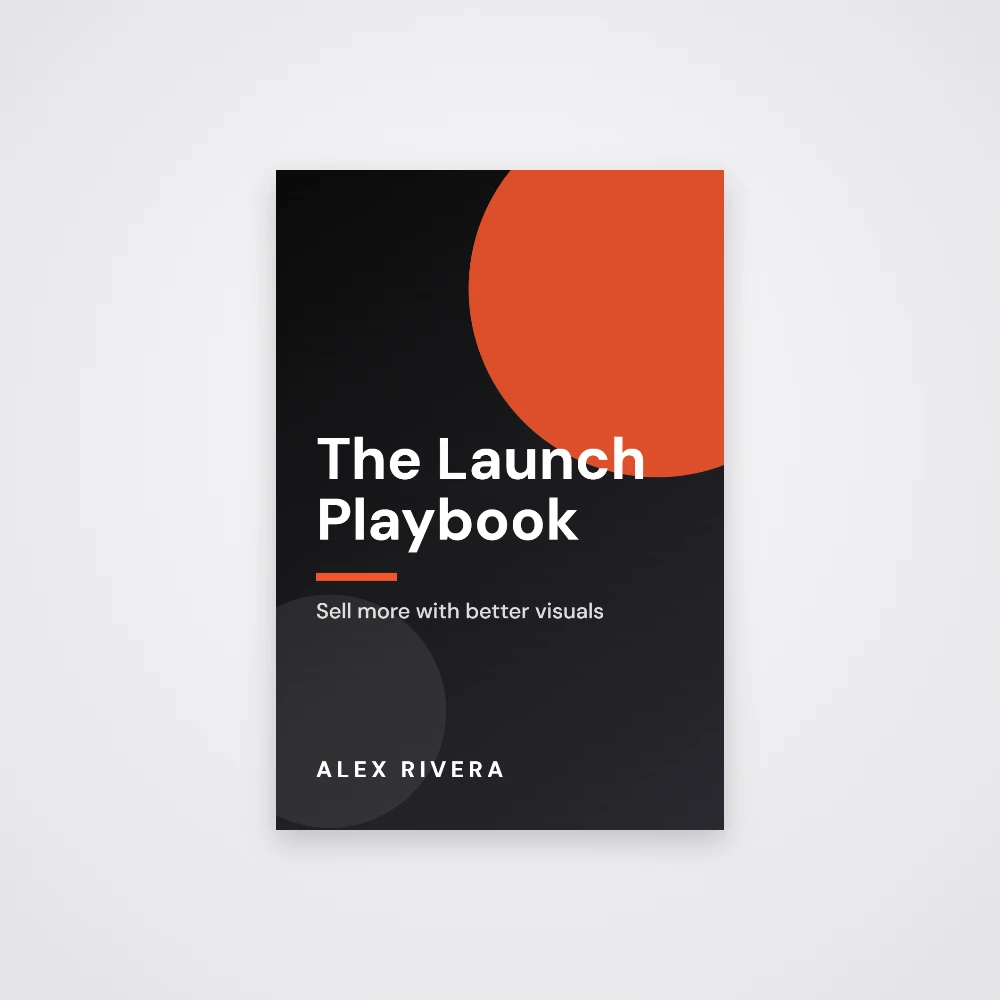
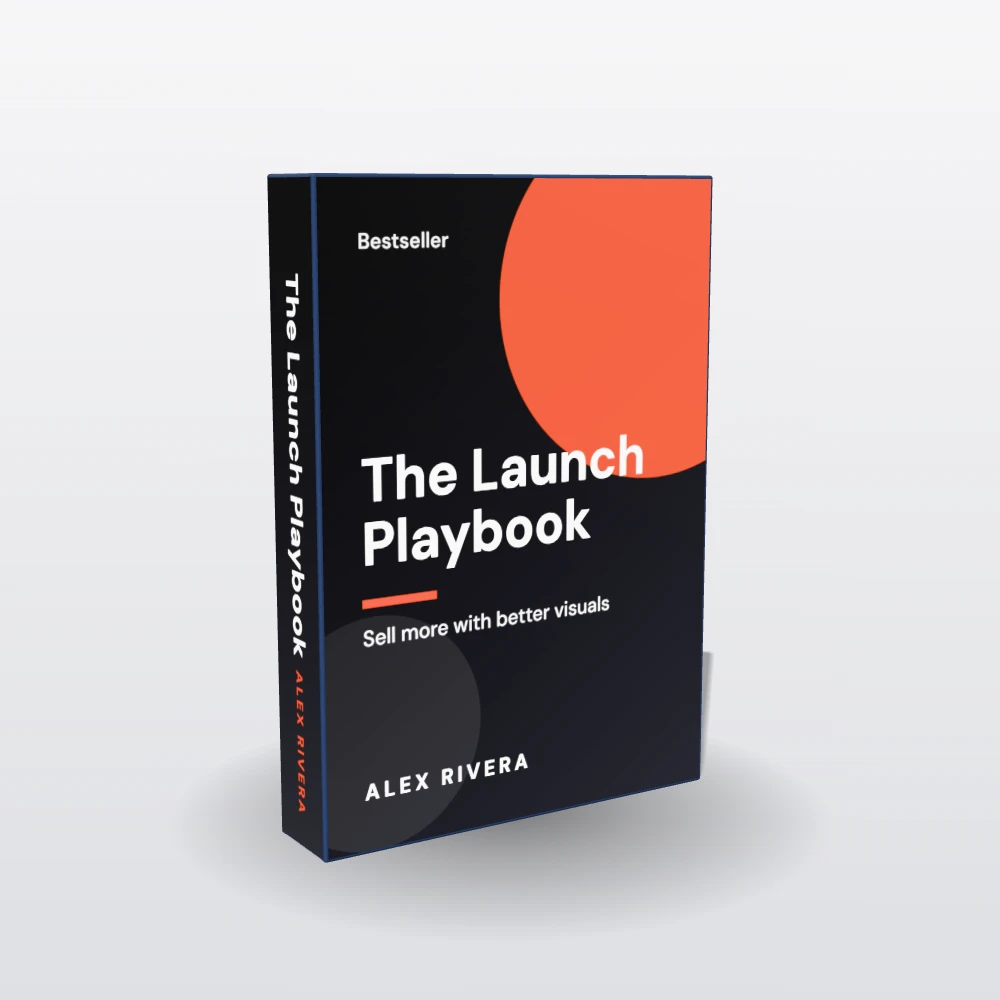
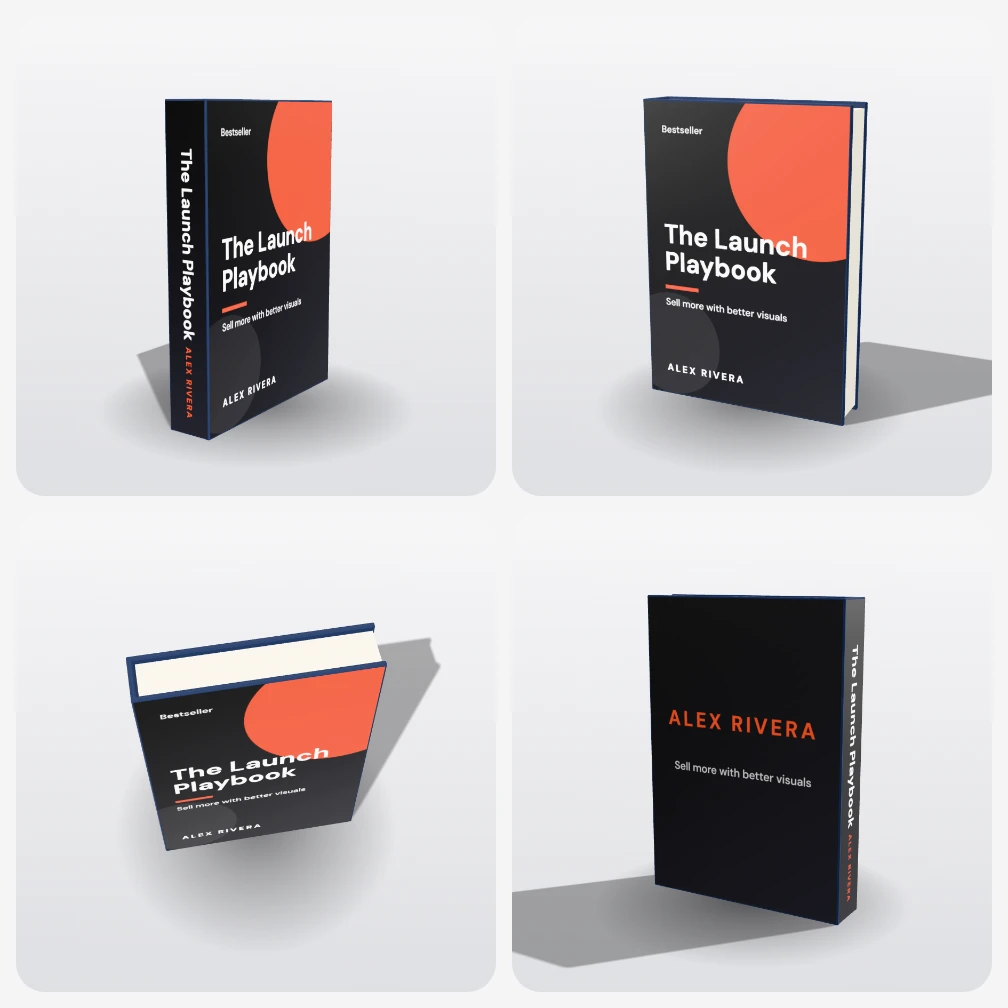
All of these… without redesigning
One set of artwork, endless arrangements: change the layout, the perspective or the backdrop and every product updates with it.
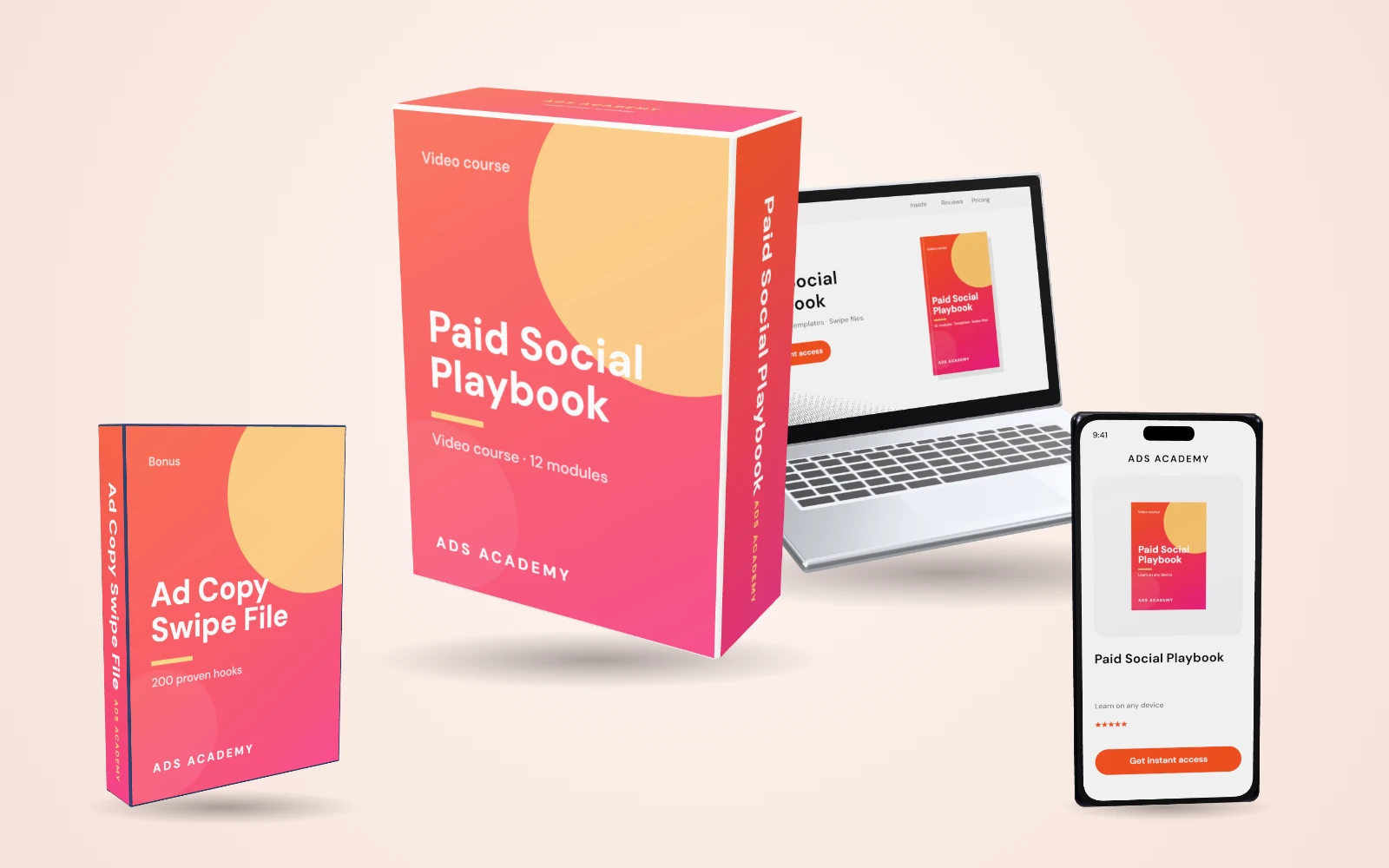
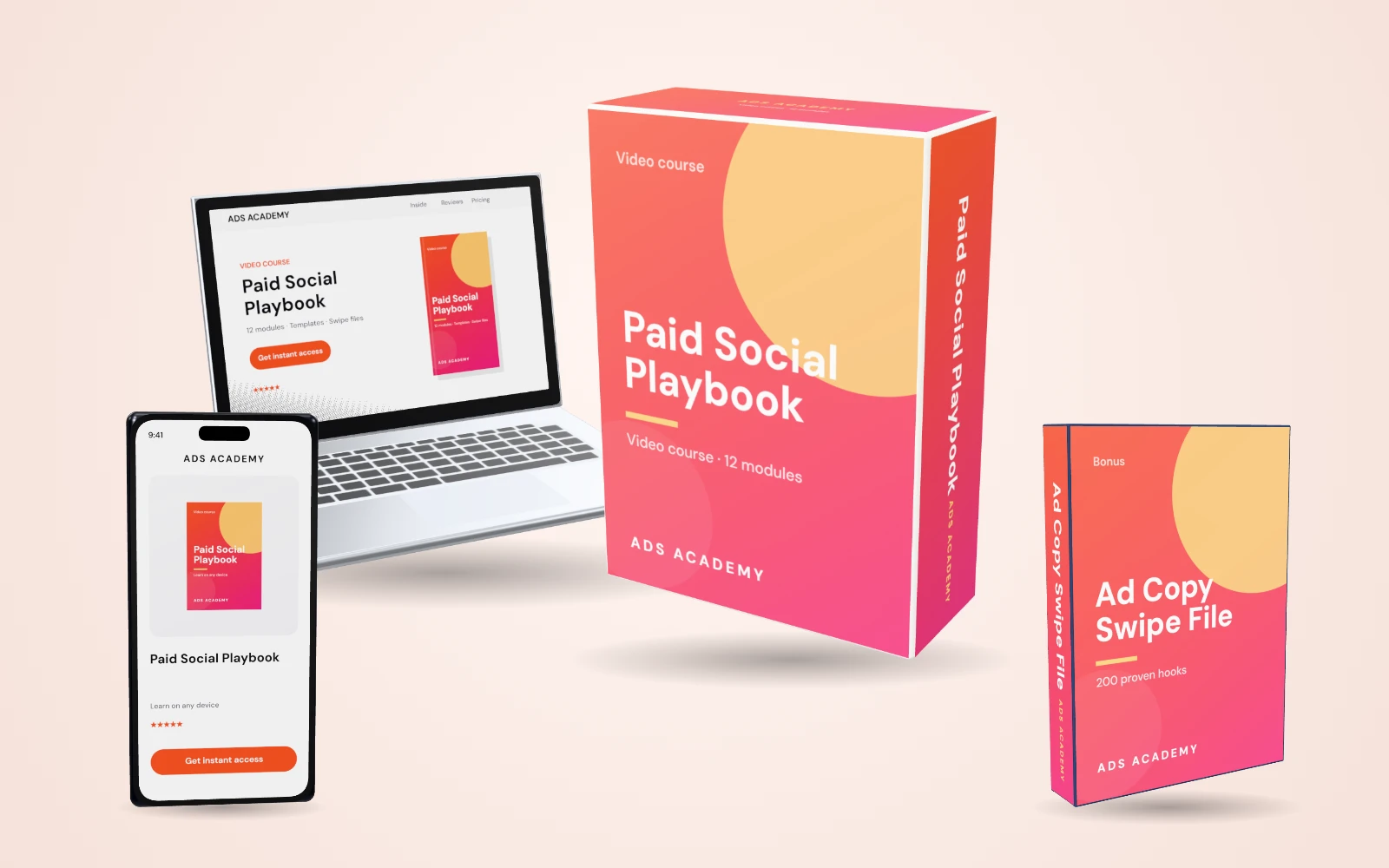
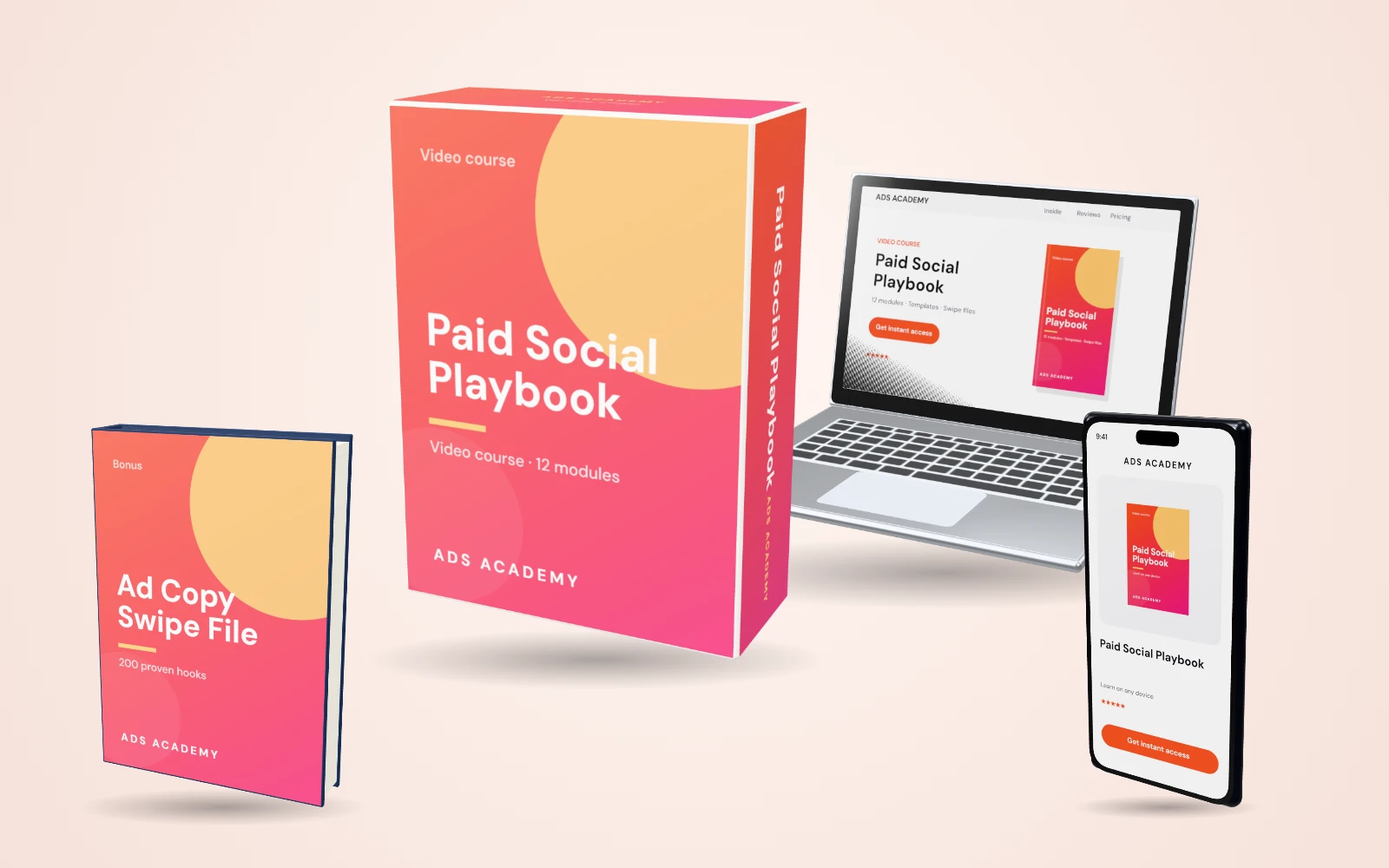
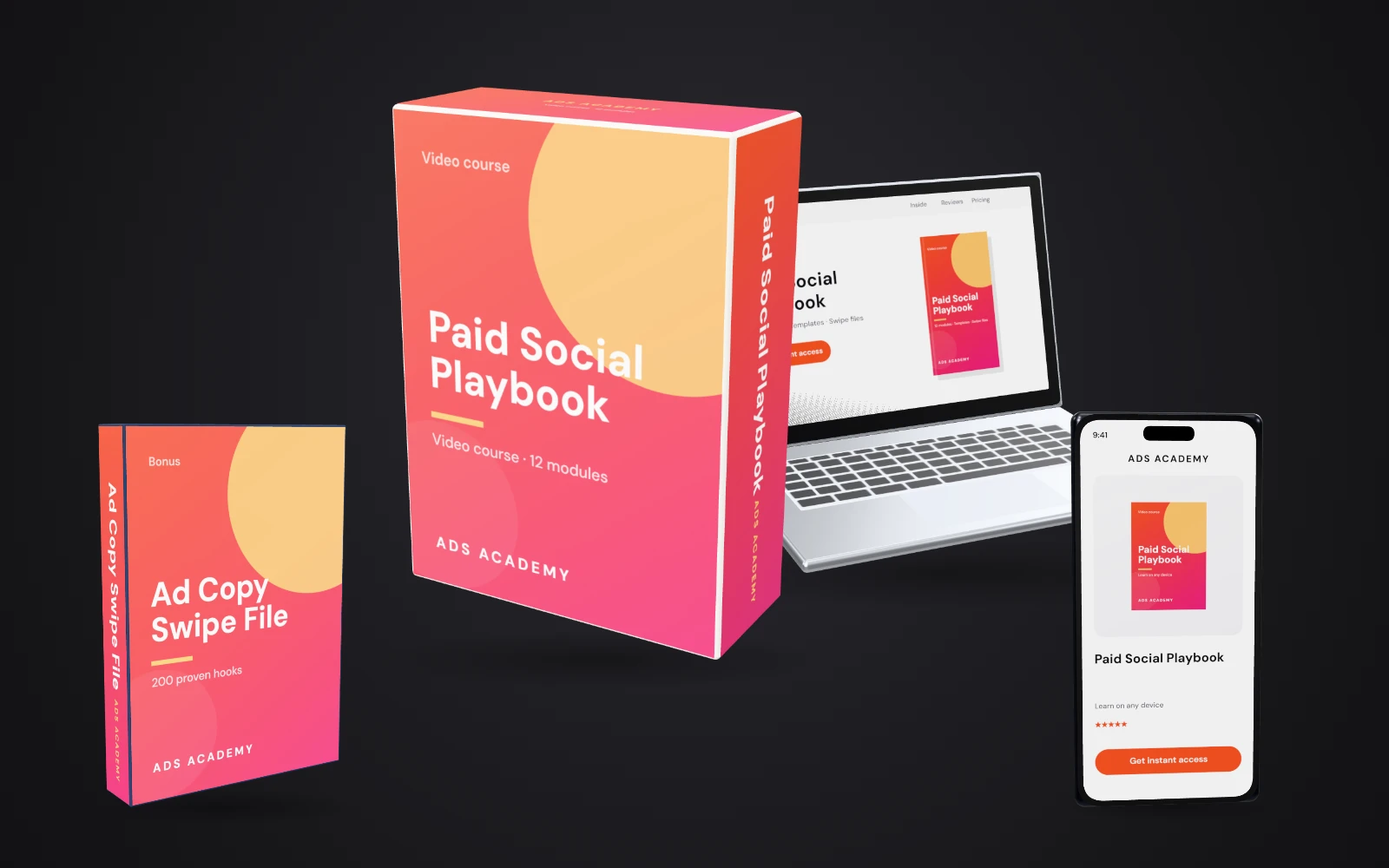
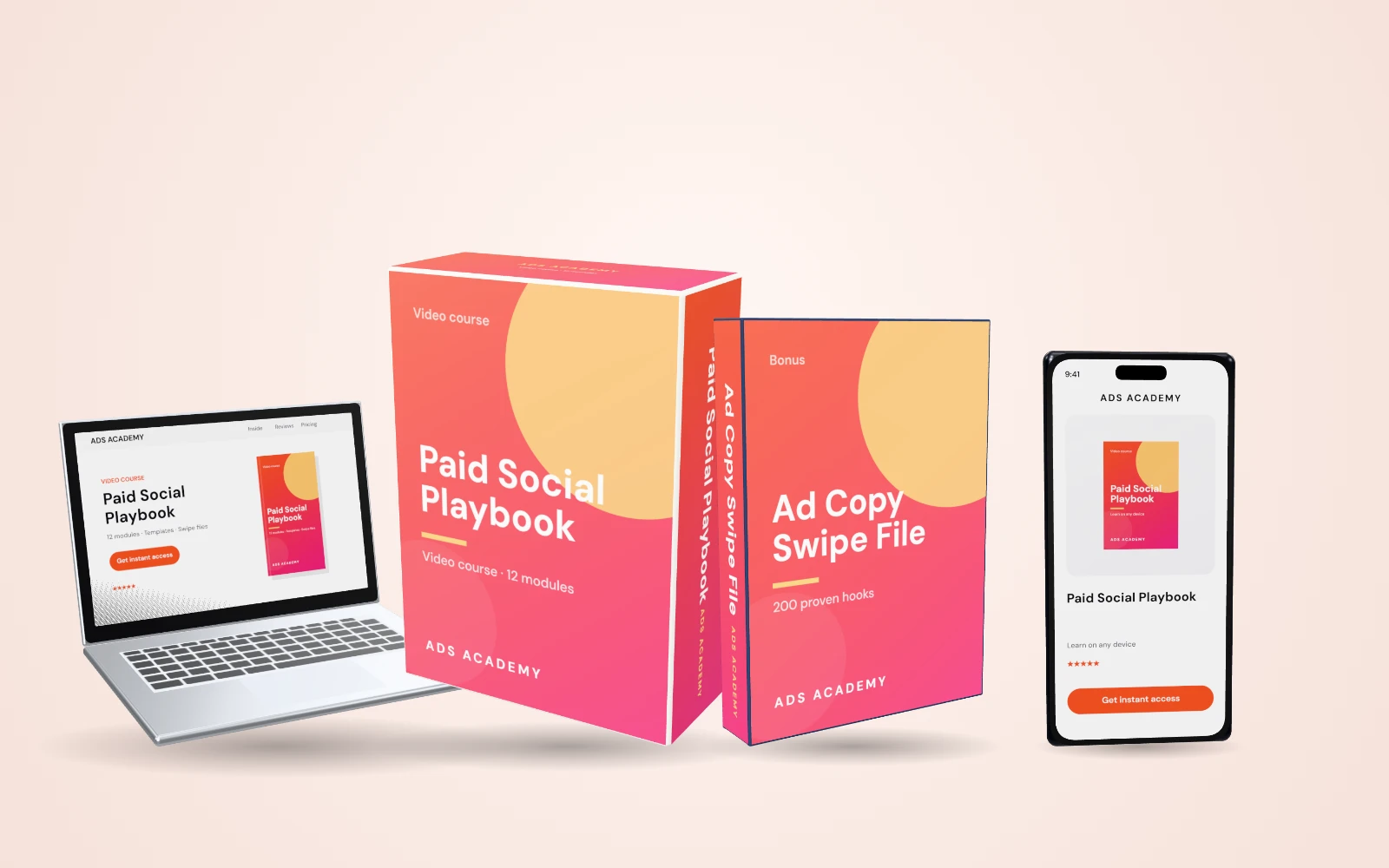
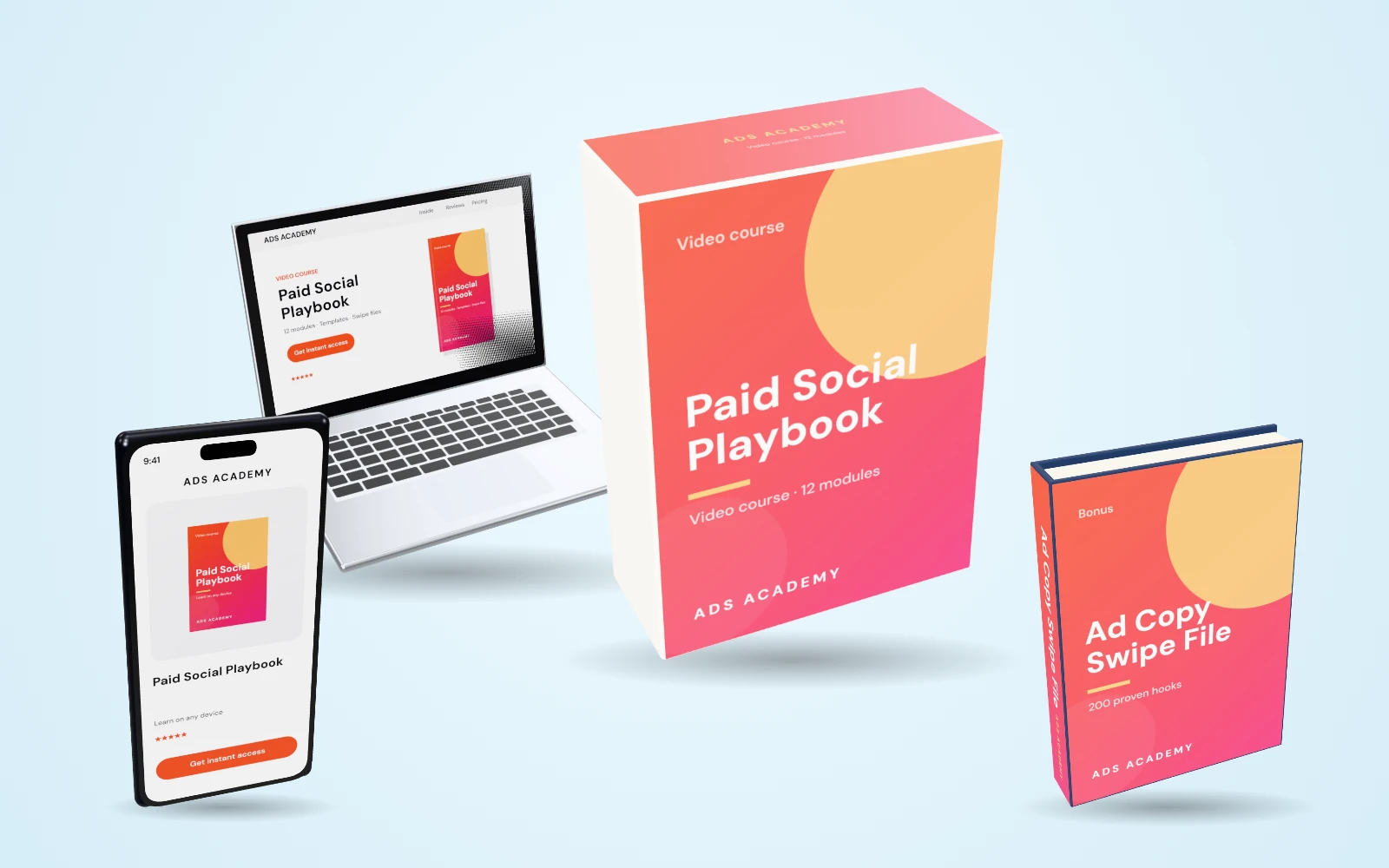
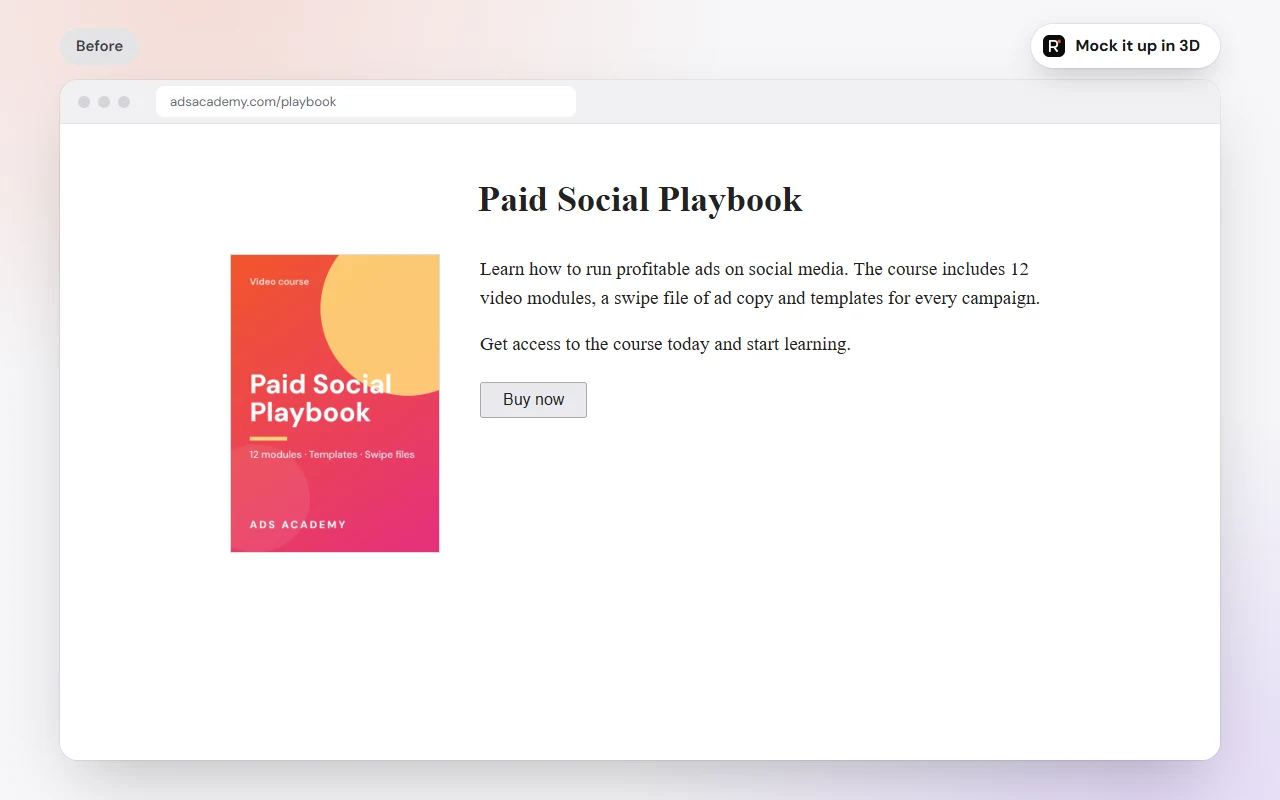
The same sales page. One change.
Swap a flat cover for a 3D bundle and the offer instantly looks worth more.
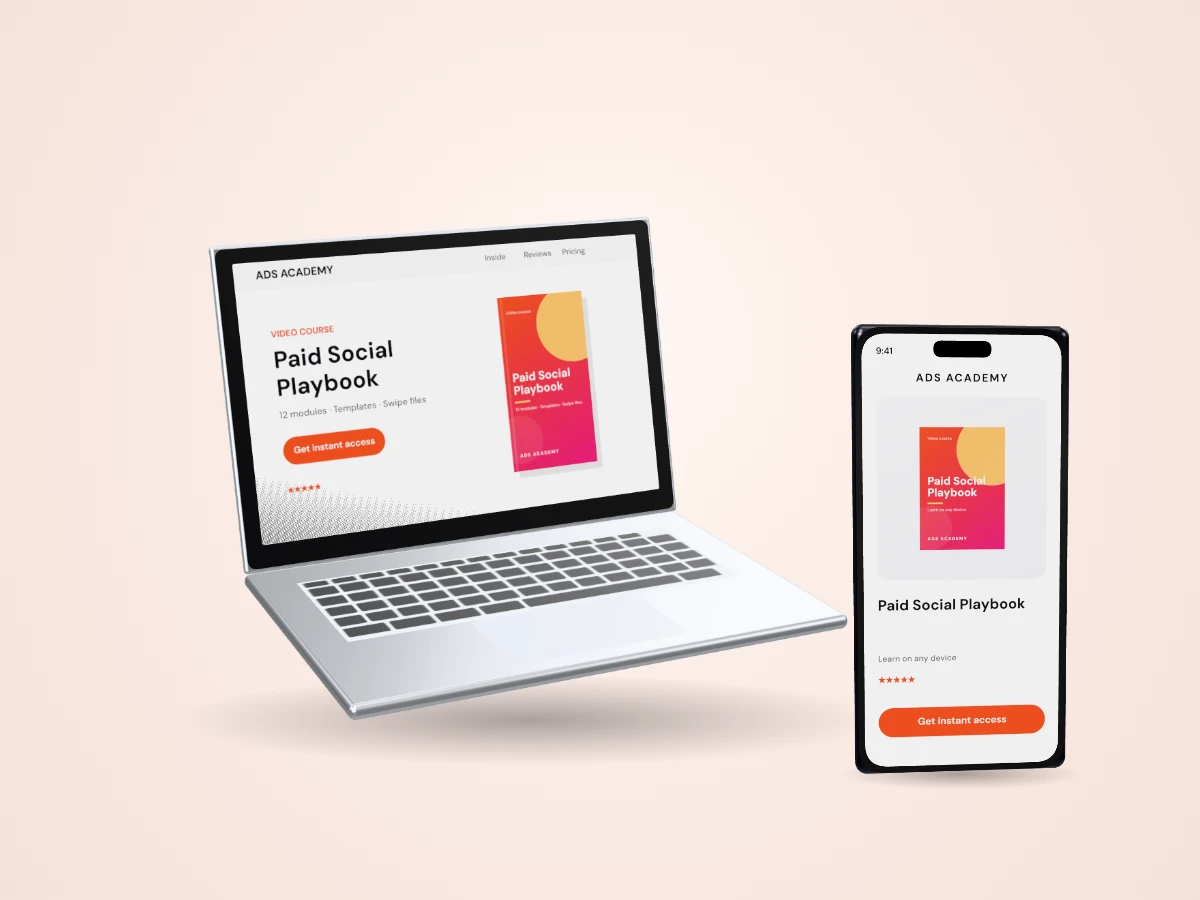
Create once. Deploy everywhere.
Every design you make works across your whole business — no re-designing, no re-building, no starting from scratch.
Use them wherever you sell
Product shots that make every page look like a launch.
- Sales pages
- Landing pages
- Checkout pages
- Webinar registration pages
- Membership sites
- Blogs & WordPress
- Affiliate bonus pages
- Shopify & WooCommerce stores
- Amazon & Etsy listings
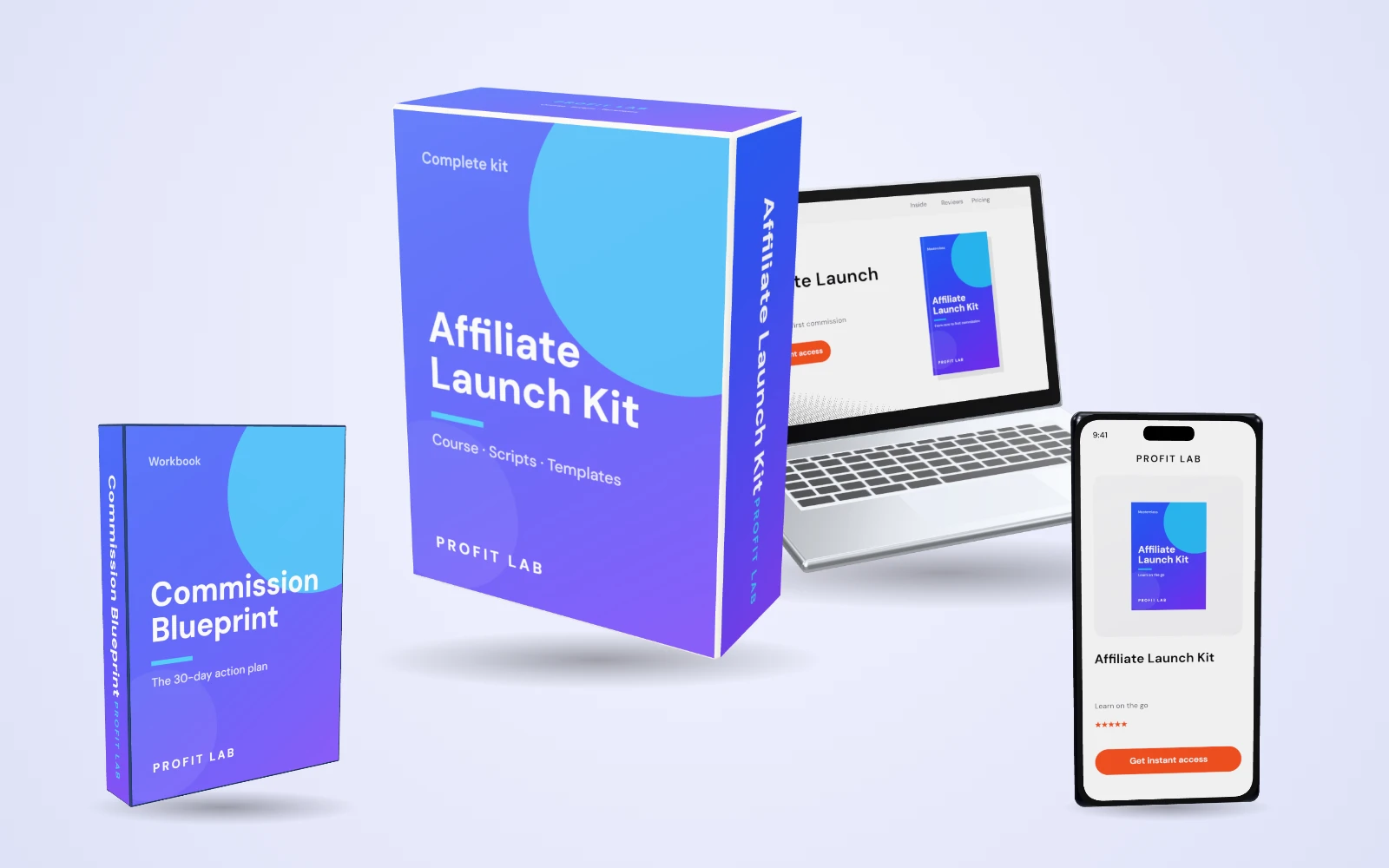
Make digital products feel physical
Give downloads, courses and software a box, a cover, a shelf presence.
- Online course modules
- eBook & Kindle covers
- Lead magnets & PDFs
- Software & app box shots
- Workbooks & cheat sheets
- Slide decks & reports
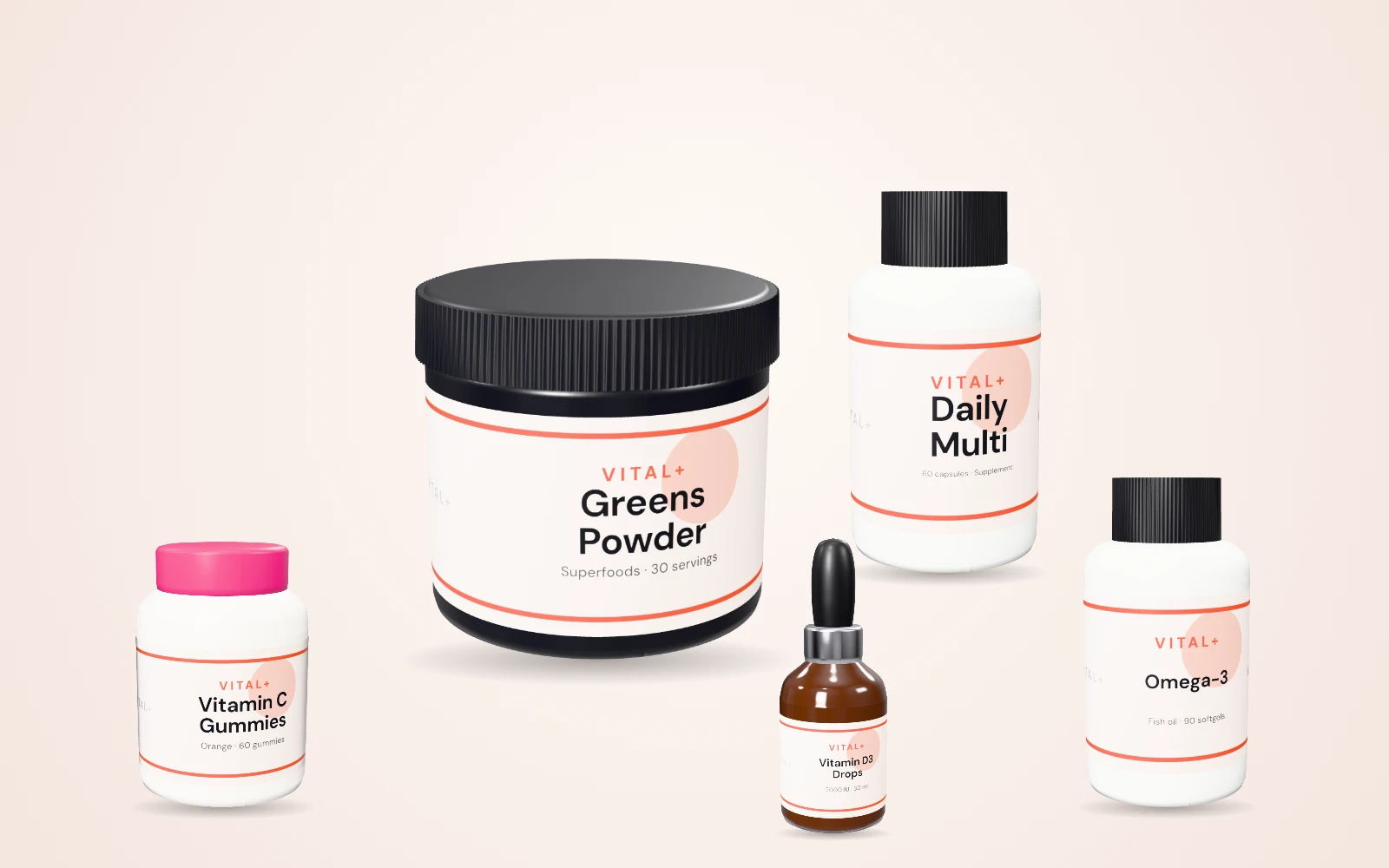
From screen to shelf
See packaging before you print a single unit.
- Product boxes & labels
- Bottles, jars, tubes & cans
- Mugs, totes & merch
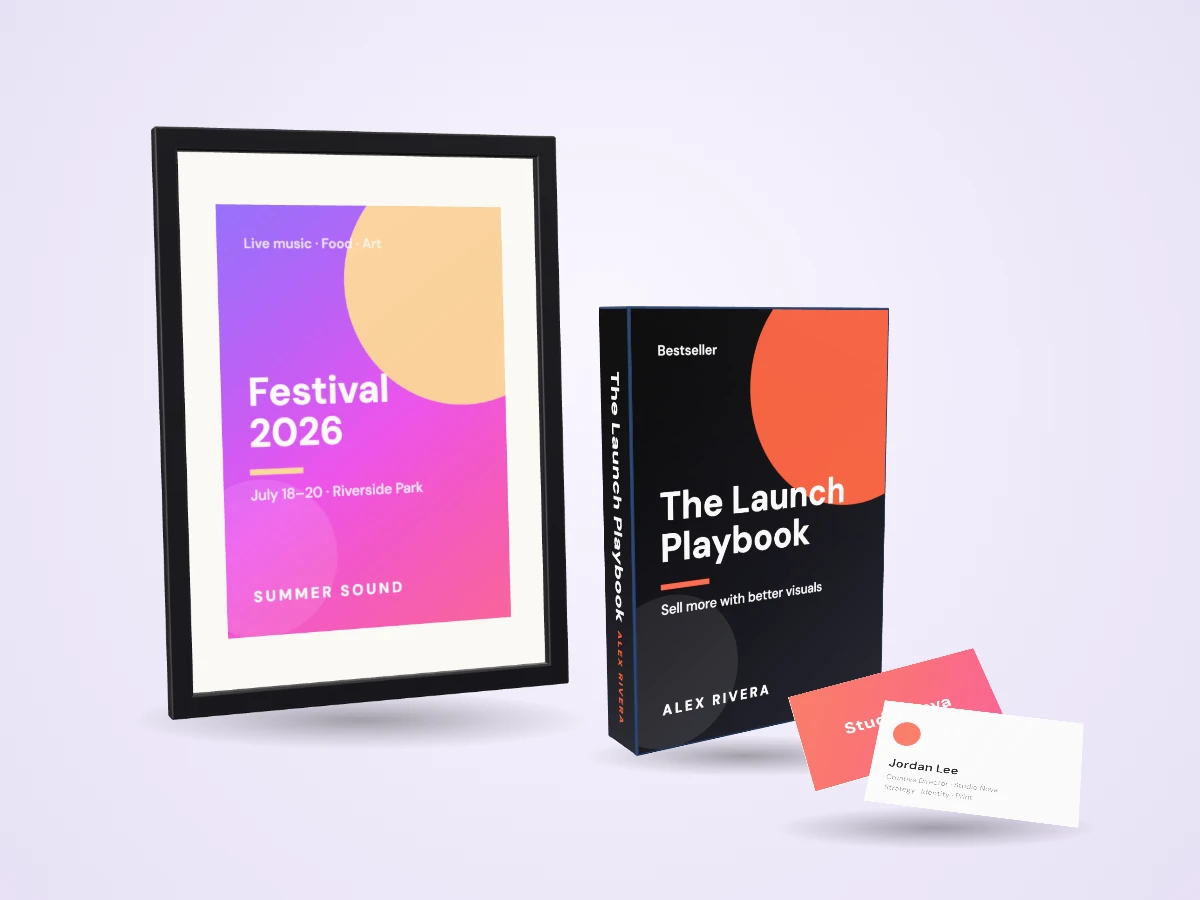
Print it too
Export print-ready PDFs from the same editor.
- Business cards
- Posters & flyers
- Invitations & event tickets
- Book covers
- Postcards & mailers
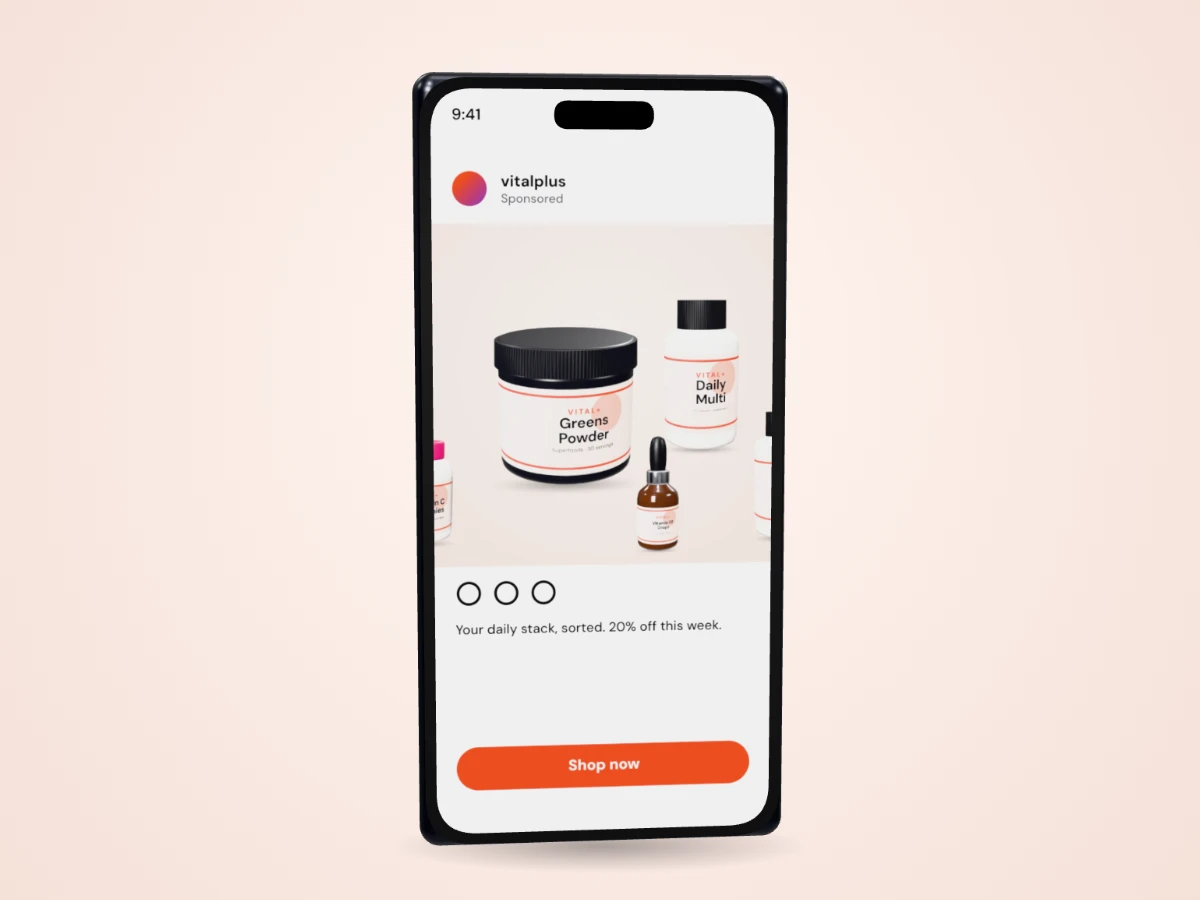
Social posts & ads too
Templates and presets for every feed, plus custom sizes up to 8000 px.
- Instagram posts & stories
- Facebook posts & ads
- YouTube thumbnails
- LinkedIn banners
- Pinterest pins
- X / Twitter headers
- Email newsletter headers
- Podcast cover art
- Presentation slides
- Display ad banners
Every design pays off more than once
- More attention
- Higher perceived value
- Stronger credibility
- More clicks
- No re-designing
- No re-building
- No starting from scratch
Export once, upload anywhere you sell or post
A complete studio, ready on day one
Works on macOS, Windows and ChromeOS in Chrome, Edge, Safari and Firefox — nothing to install.
Join creators just like you
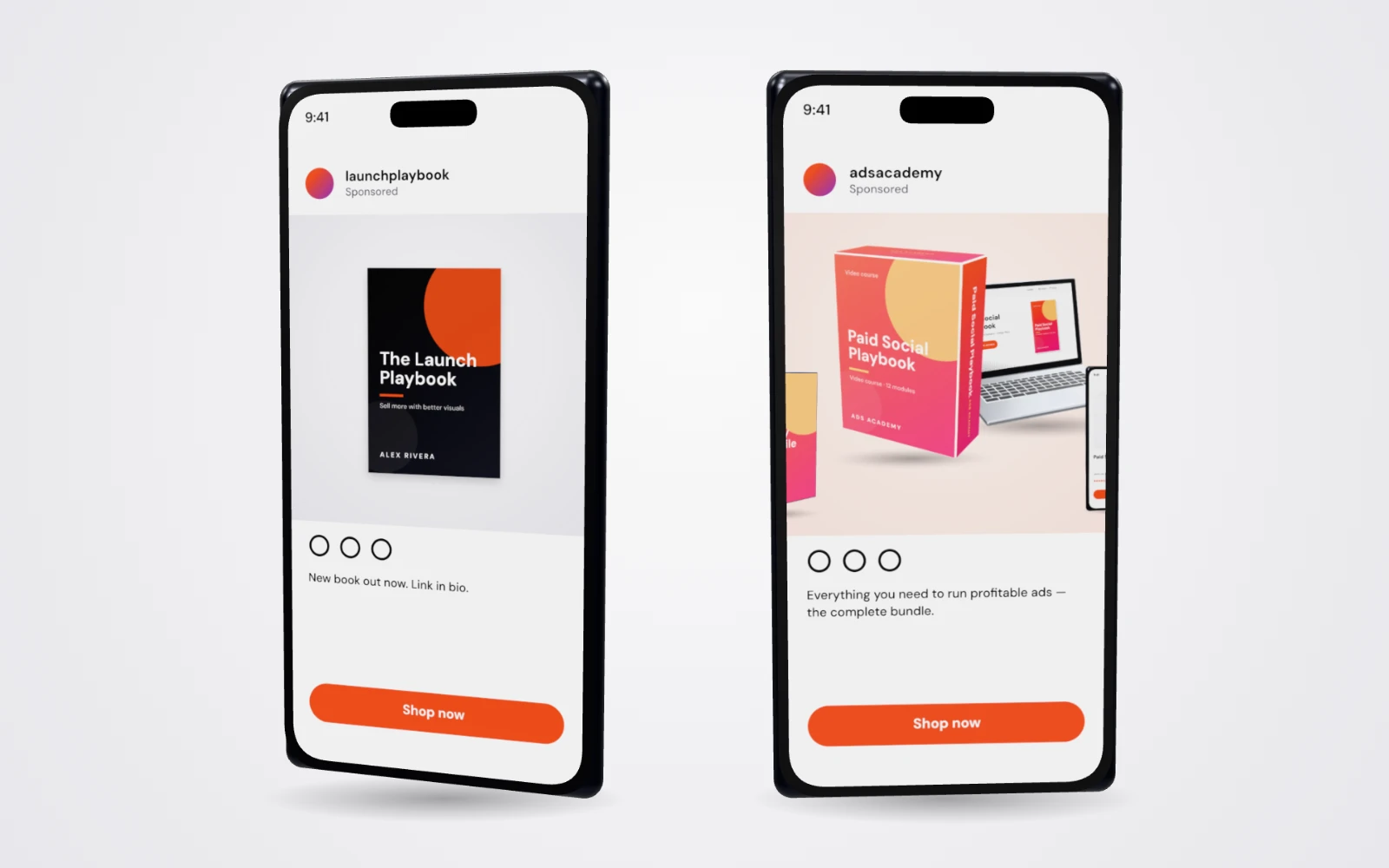
Buyers judge with their eyes long before they read your copy. In a fast-scrolling feed, a flat cover is easy to skip — a product shot stops the thumb and shows exactly what they get.
Yes — the usual ways are slow, difficult and expensive
So you try to fix those flat images yourself. Here's how that usually goes.
3D software
- 1Download a 3D app and learn its interface
- 2Find — or buy — a model of your product
- 3UV-unwrap it so the label doesn't stretch
- 4Export your design at exactly the right size
- 5Set up materials, cameras and lights
- 6Render… wait… render again
- 7Change one word? Back to step 4
Hours per image, and a whole new skill to learn.
AI image generators
- 1Write a prompt describing your product
- 2Get a bottle with garbled text on it
- 3Rewrite the prompt
- 4Now the product is a different shape
- 5Rewrite it again
- 6Your logo comes back melted
- 7Give up and patch it in a photo editor
Close — but never your actual product.
Hiring a freelancer
- 1Search for someone with good reviews
- 2Write a detailed brief
- 3Wait for a quote
- 4Wait for the first draft
- 5Send a round of revisions
- 6Wait again
- 7Need another angle? New invoice
Days of waiting, and a bill for every change.
Go from flat and boring to “wow, I'm getting sales”
A full design editor and a 3D product studio in one browser tab. Design it, wrap it, shoot it — done.
- No design experience
- No 3D software
- No modeling or UV mapping
- No downloads or installs
- No AI prompts
- No garbled text
- No waiting on freelancers
- No per-image fees
- No photo shoots
- No switching between tools
- No code
- No learning curve
Customize
Start from a template, your own upload or a blank page. Change text, colors and images in the editor.
Wrap
Pick a product. Your artwork wraps onto it instantly — labels curve, covers fold, screens glow.
Publish
Spin to any angle, choose the lighting and export a high-res image for every page, post and ad.
Beginner-friendly. Pro-level control.
A complete design editor, built in. Drag, drop, resize, layer, align, crop and style — then send the page straight to the 3D studio.
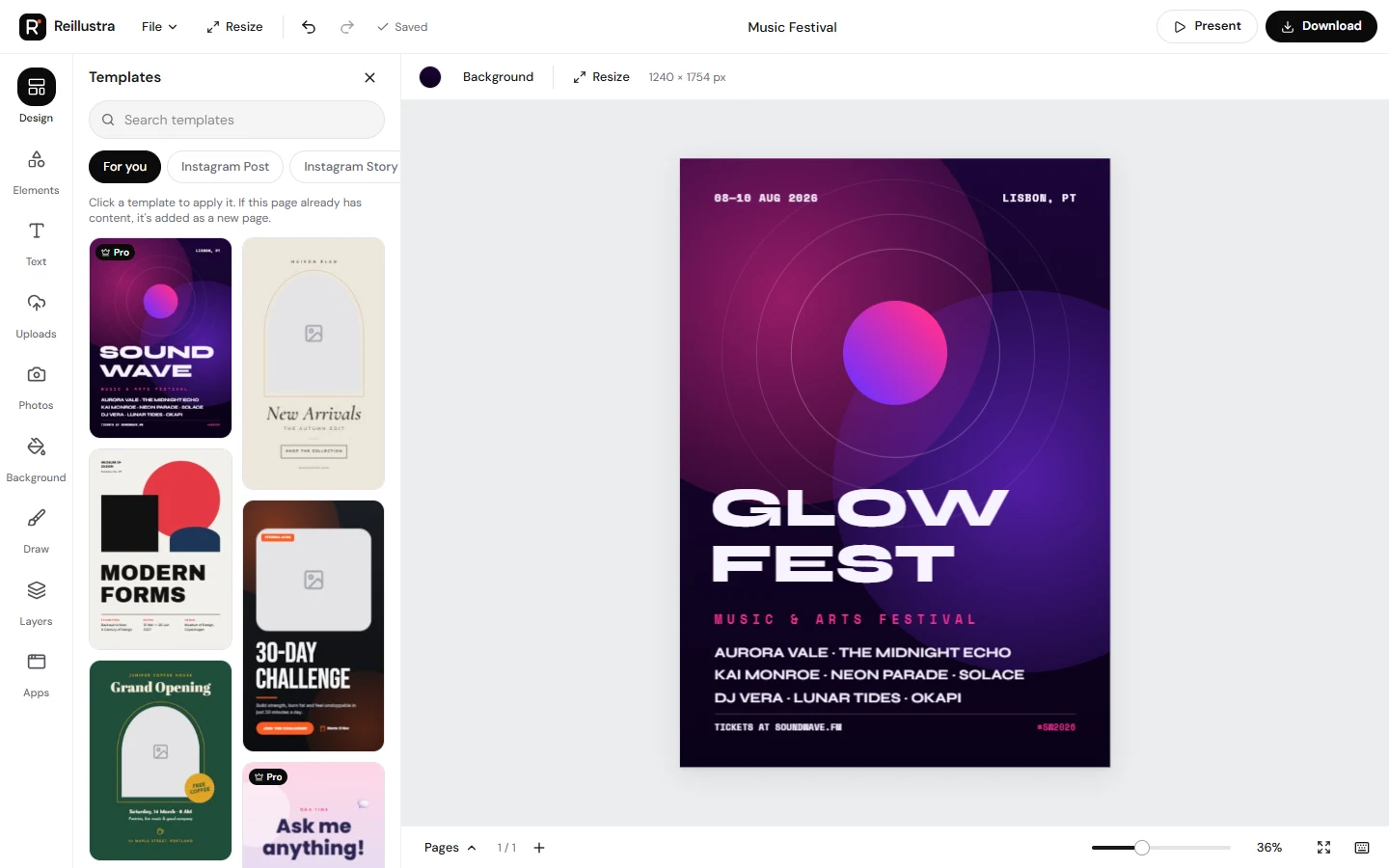
- Drag & drop canvas
- Layers & grouping
- Smart alignment guides
- Crop in place & photo frames
- 19 photo filters & adjustments
- 55 Google Fonts & text effects
- Gradients for text, shapes & backgrounds
- Pen, marker & spray brushes
- QR codes & charts
- Multi-page designs
- Magic resize to any format
- Autosave to your account
Real geometry. Real materials. Real light.
Not a flat picture with a sticker on it. Your design is printed onto a true 3D product you can light and shoot from anywhere.
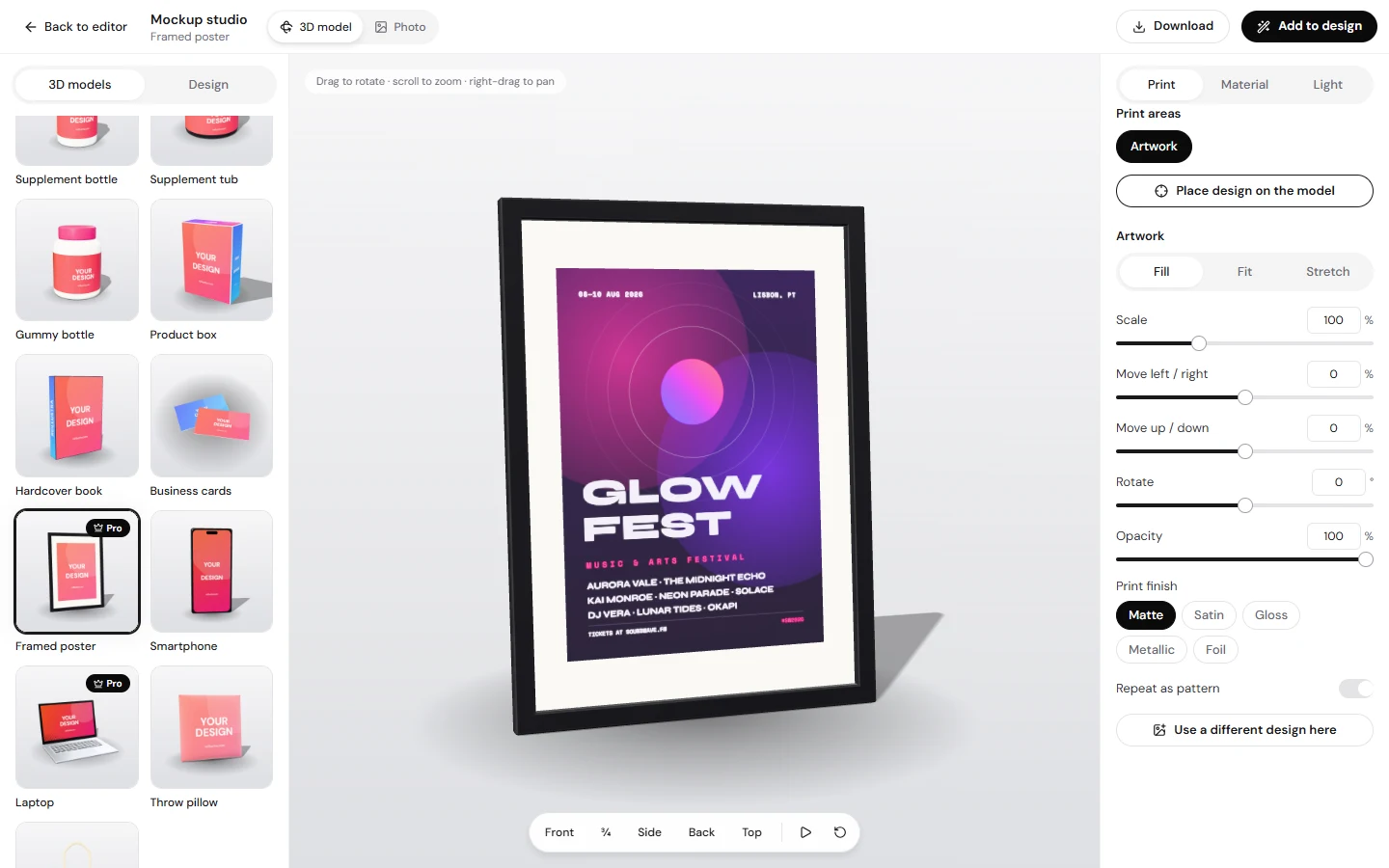
Spin a full 360°
Drag around, over and under your product to find the perfect angle.
Six lighting setups
Studio, softbox, sunlight, dusk, neon night and dramatic — then fine-tune direction, exposure, reflections and shadows.
Five print finishes
Matte, satin, gloss, metallic and foil, so labels catch the light like the real thing.
Recolor any part
Change caps, glass, lids, frames and fabric to match your brand.
Bring your own 3D model
Upload a .glb, .gltf or .obj file, click where the print goes, and render.
Or use a product photo
Wrap artwork onto photographic scenes — or a photo of your own product.
Tap to spin in 3D — with your own artwork
Drop in a flat design and Reillustra maps it onto the product's printable areas for you: wrapped around bottles and tubs, folded over book spines and boxes, glowing on phone screens. Try it right here — your image never leaves your browser.
Here's a fraction of what you can create
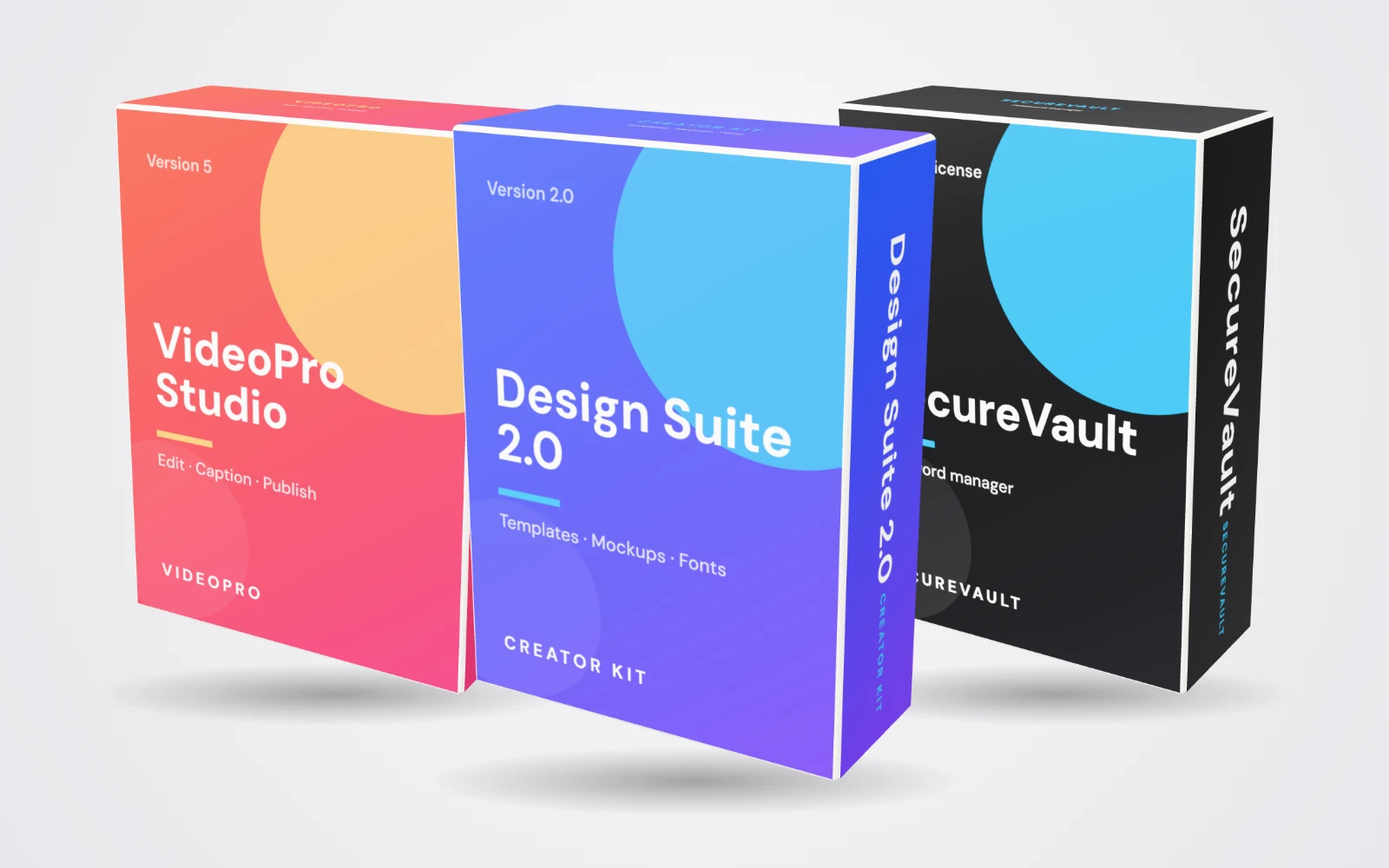
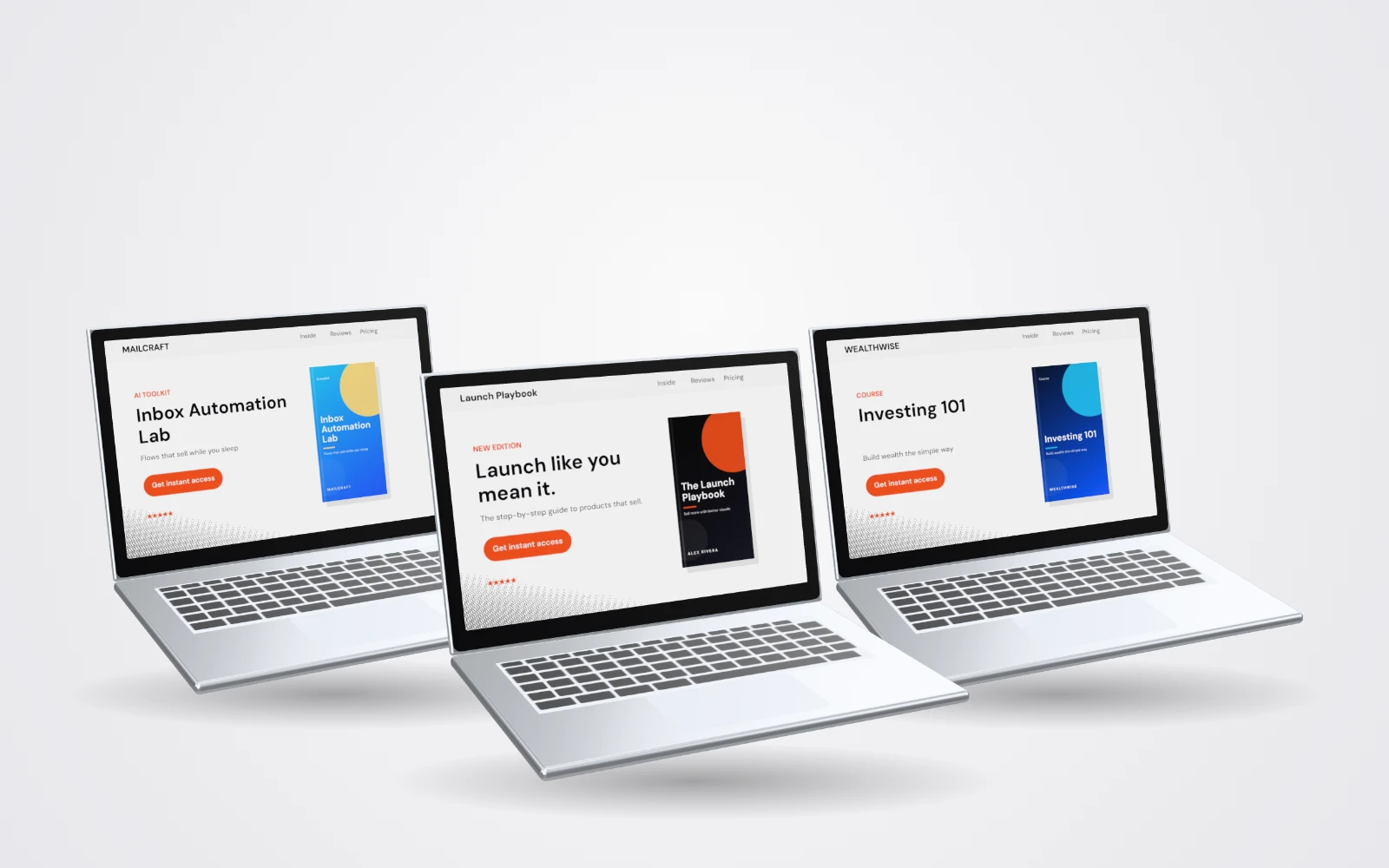
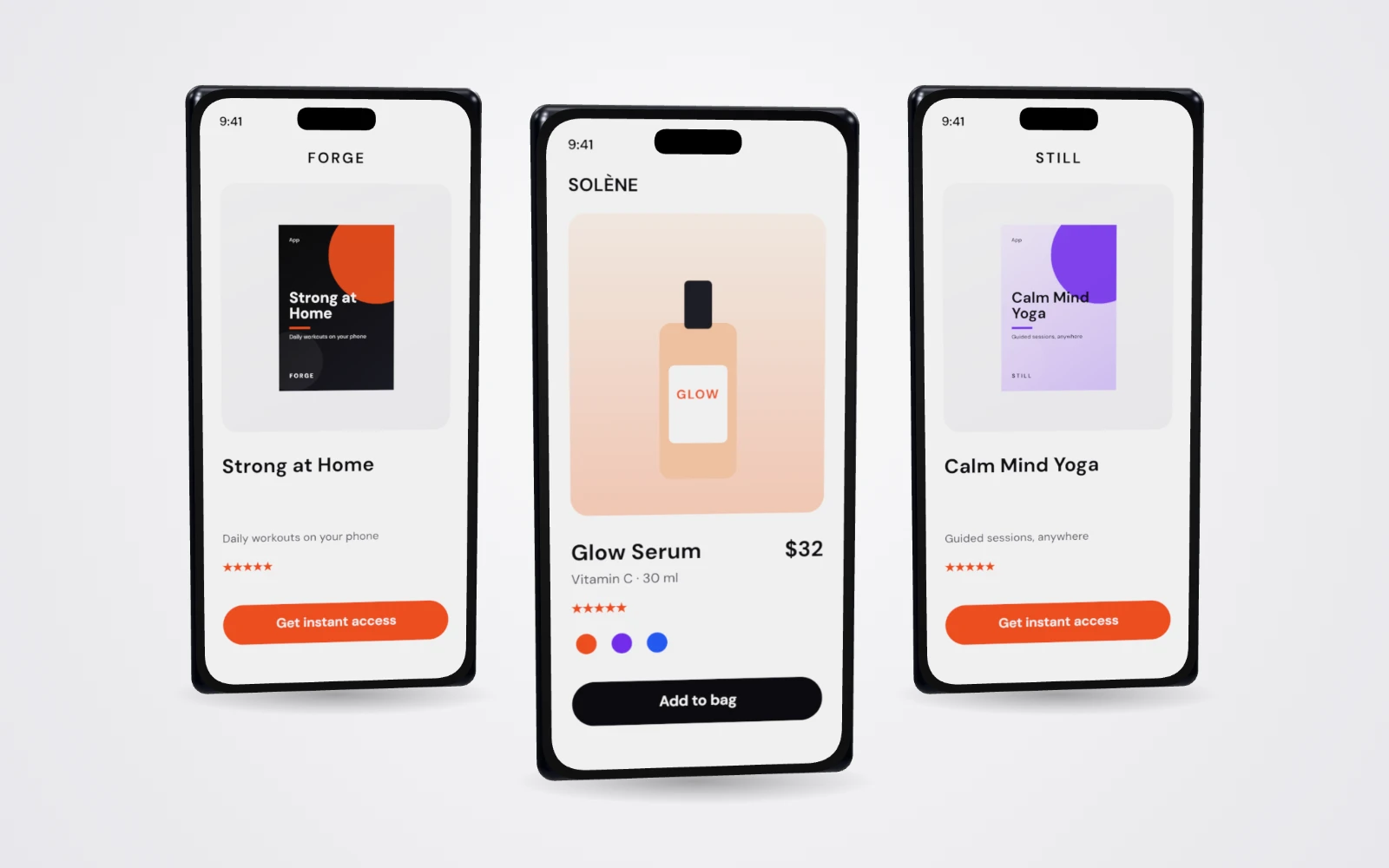
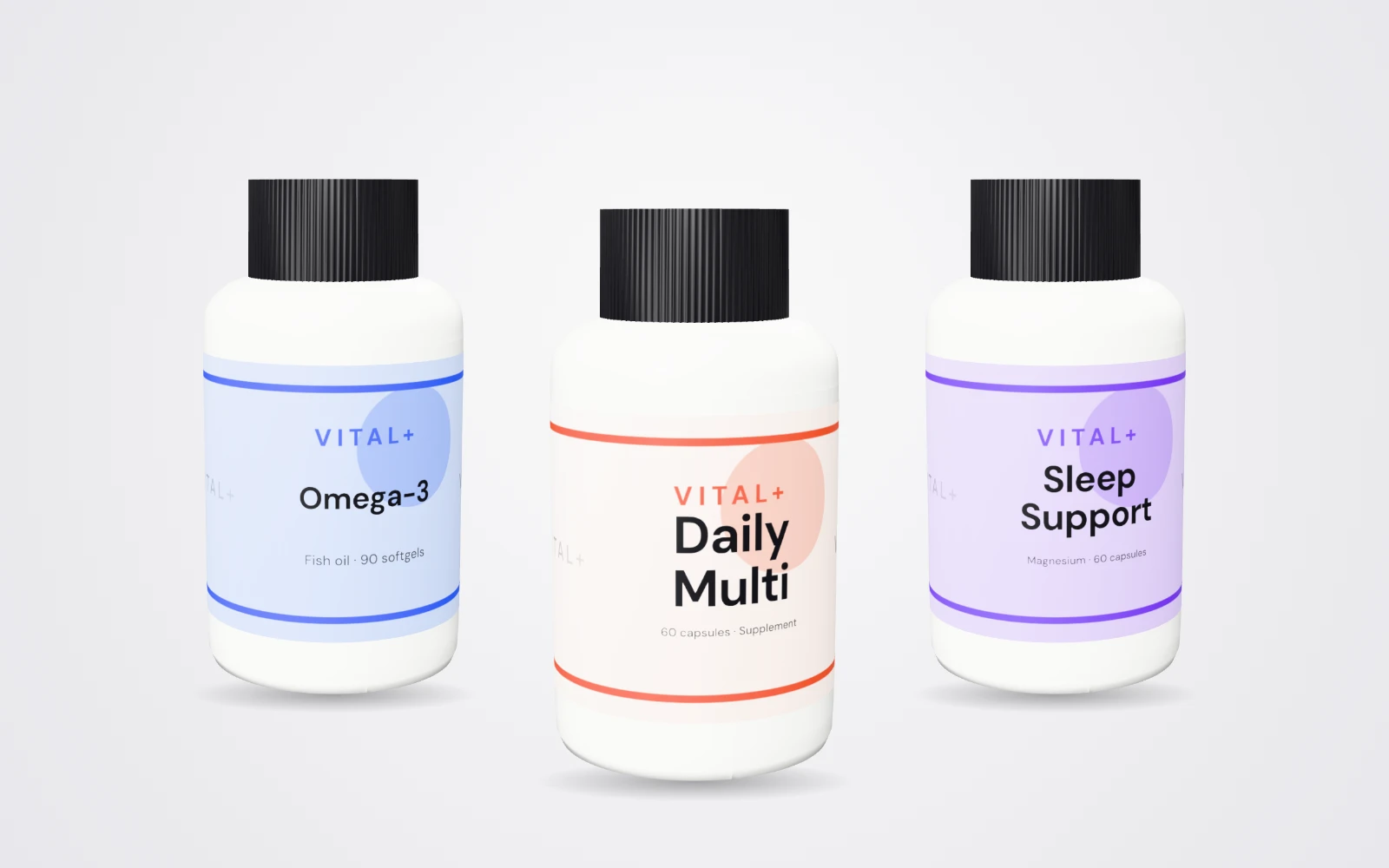
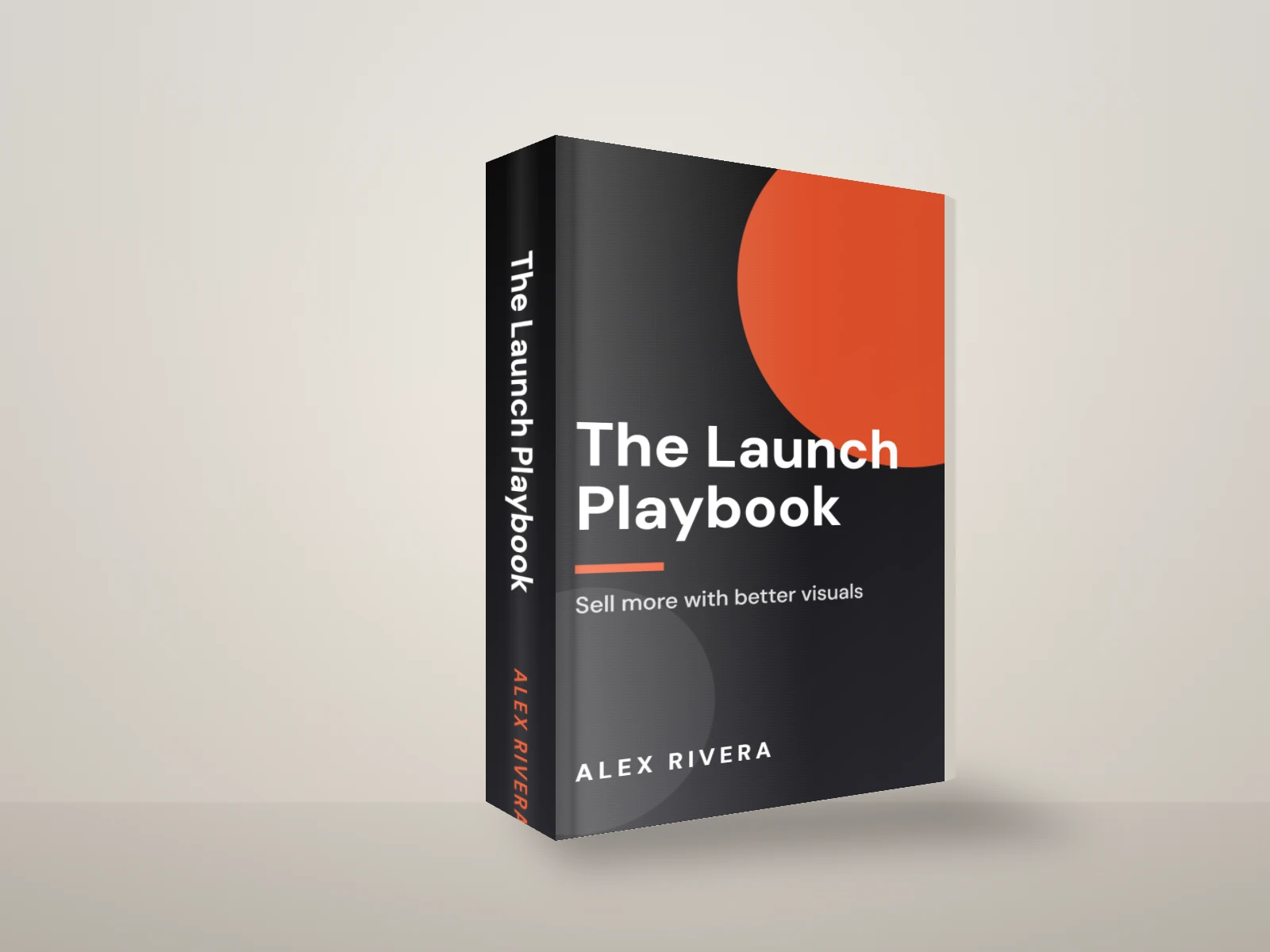
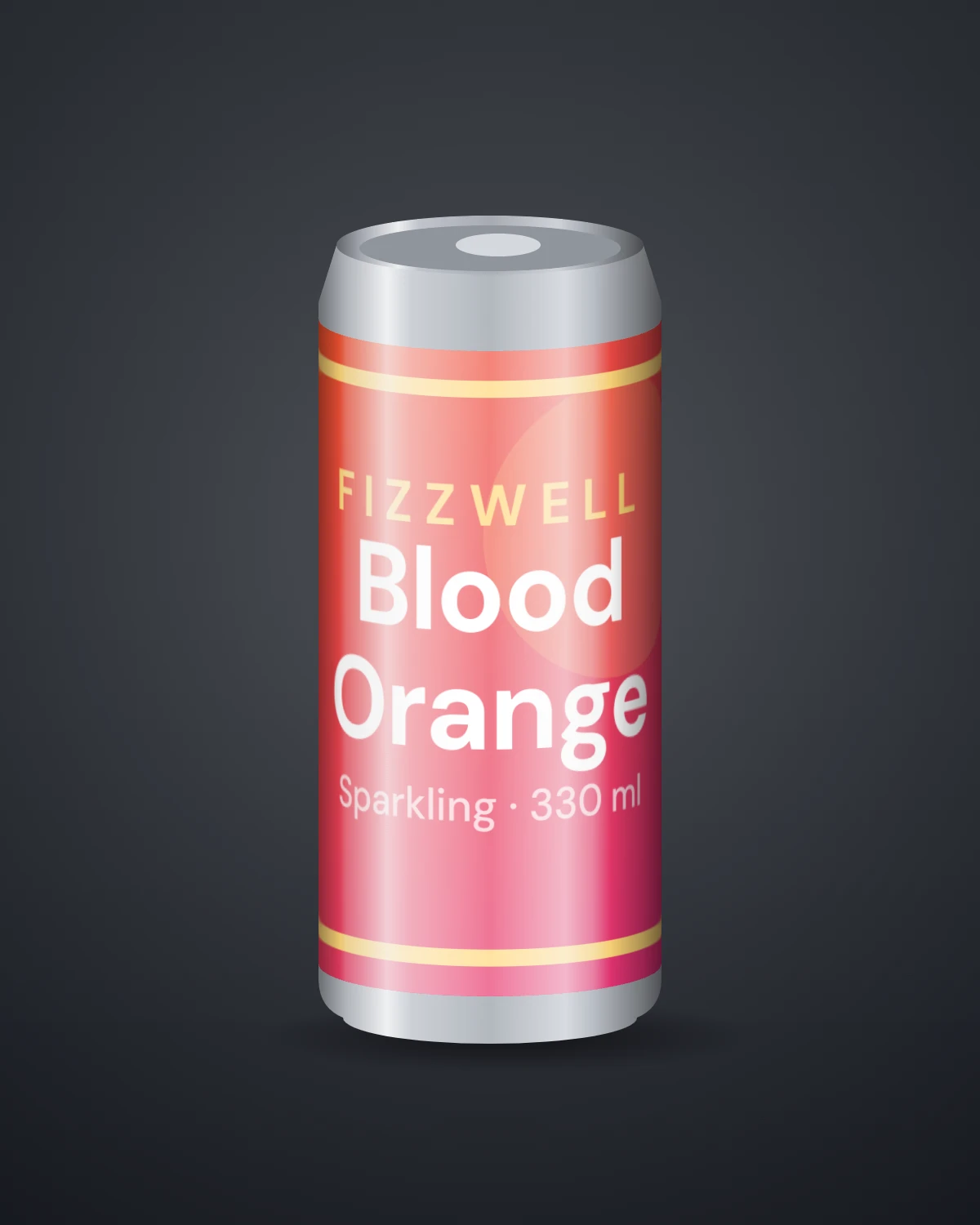
Books, software boxes, laptops, phones, supplement bottles, tubs, gummies and droppers — every one ready for your artwork.
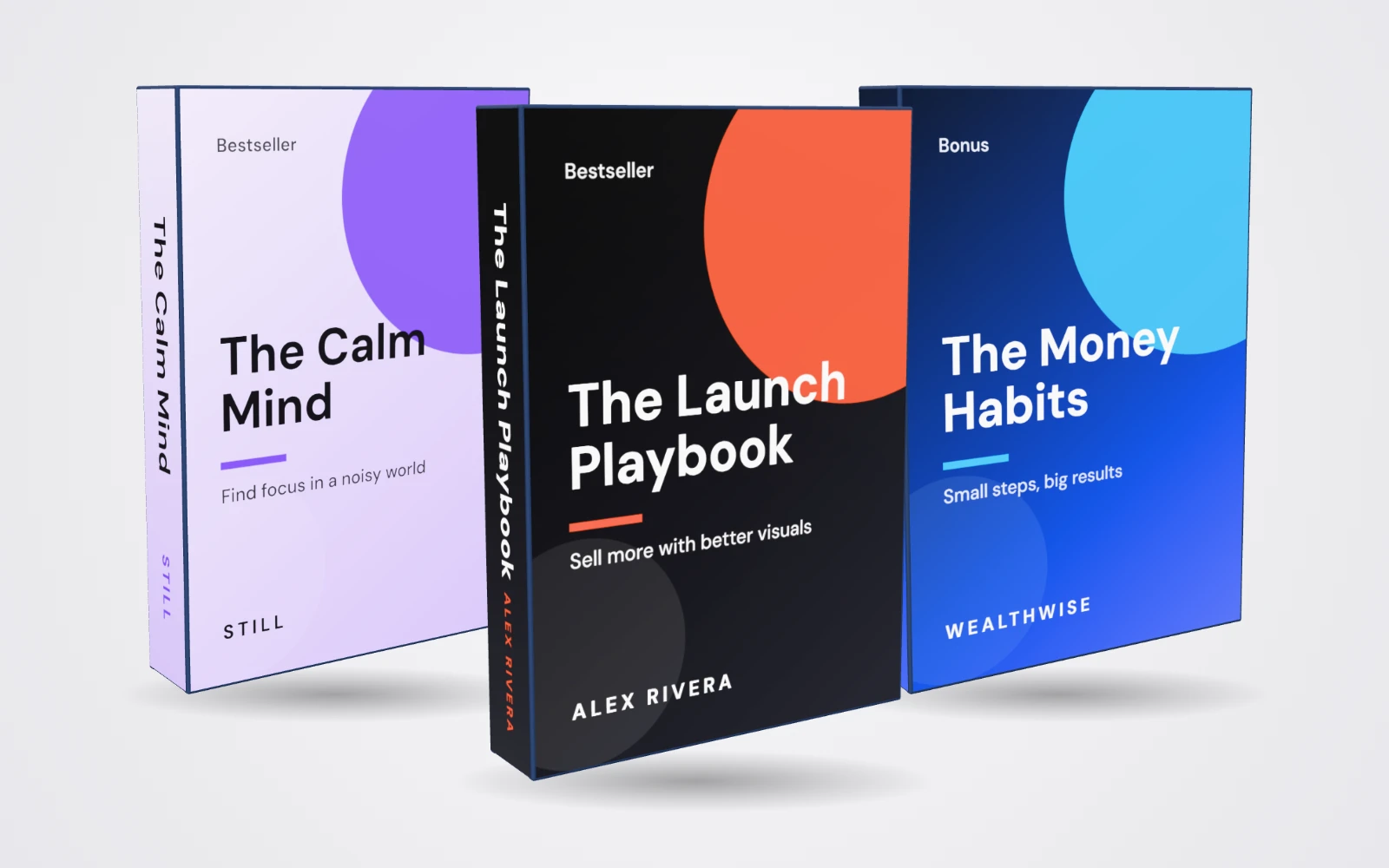
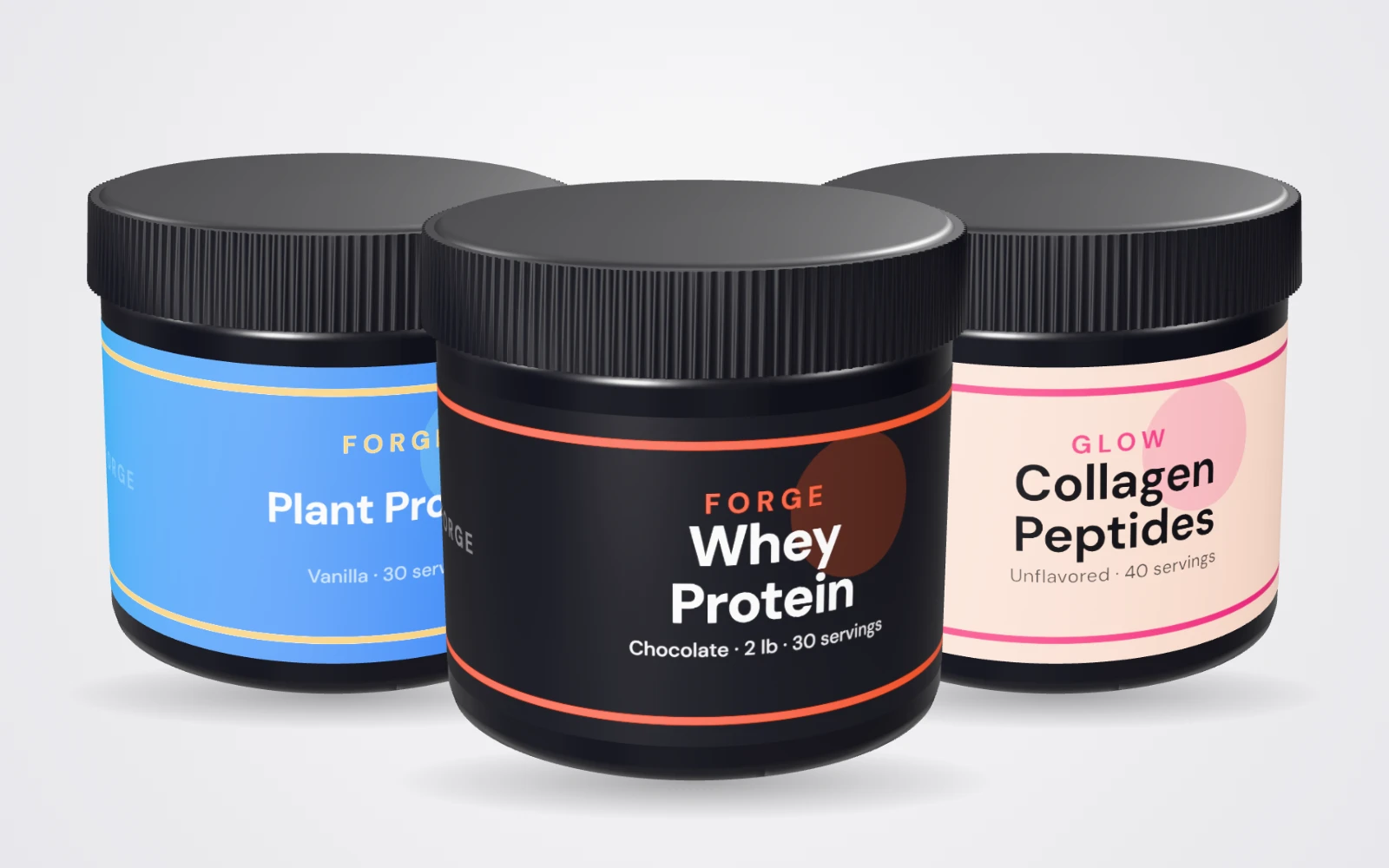
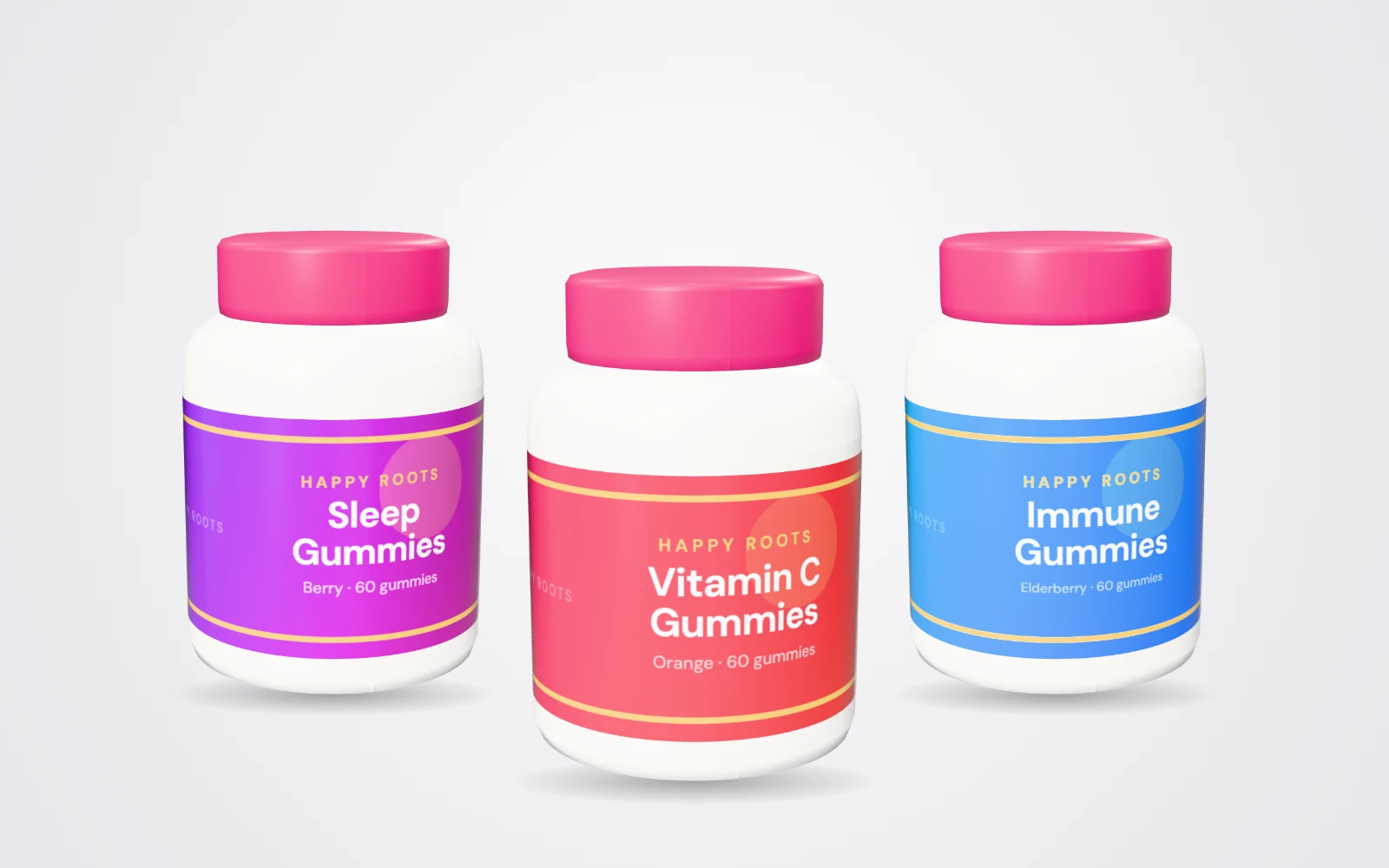
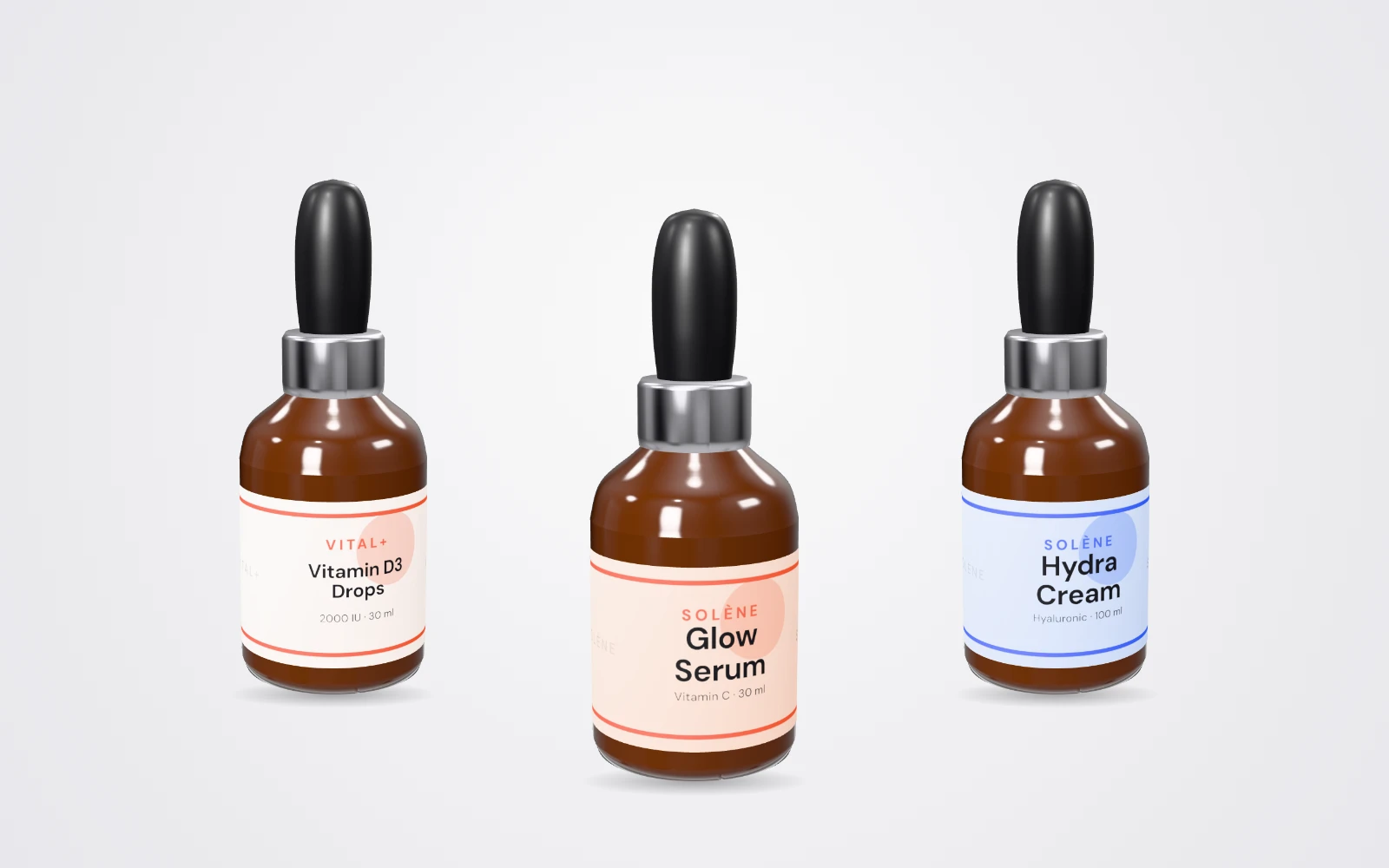
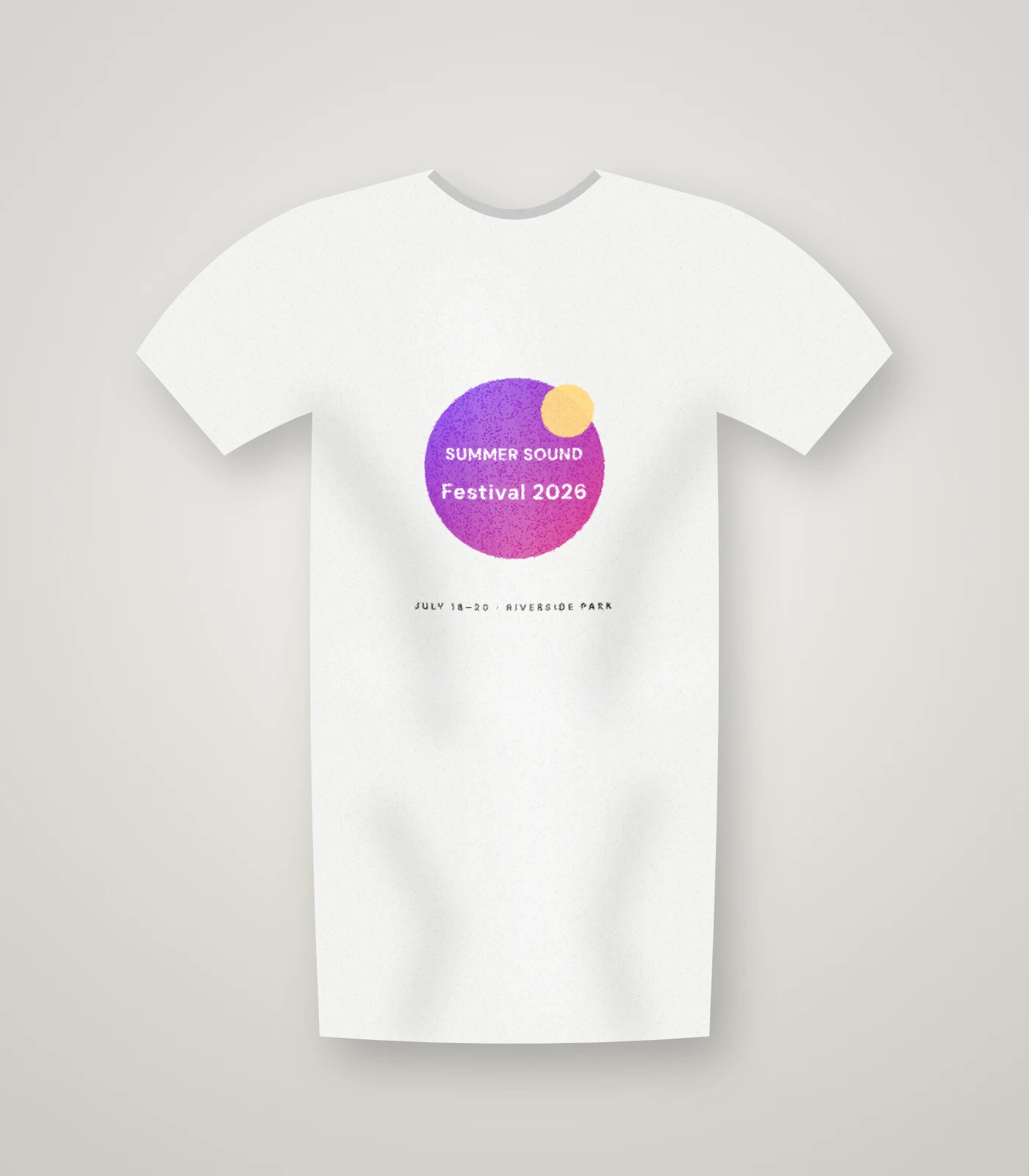
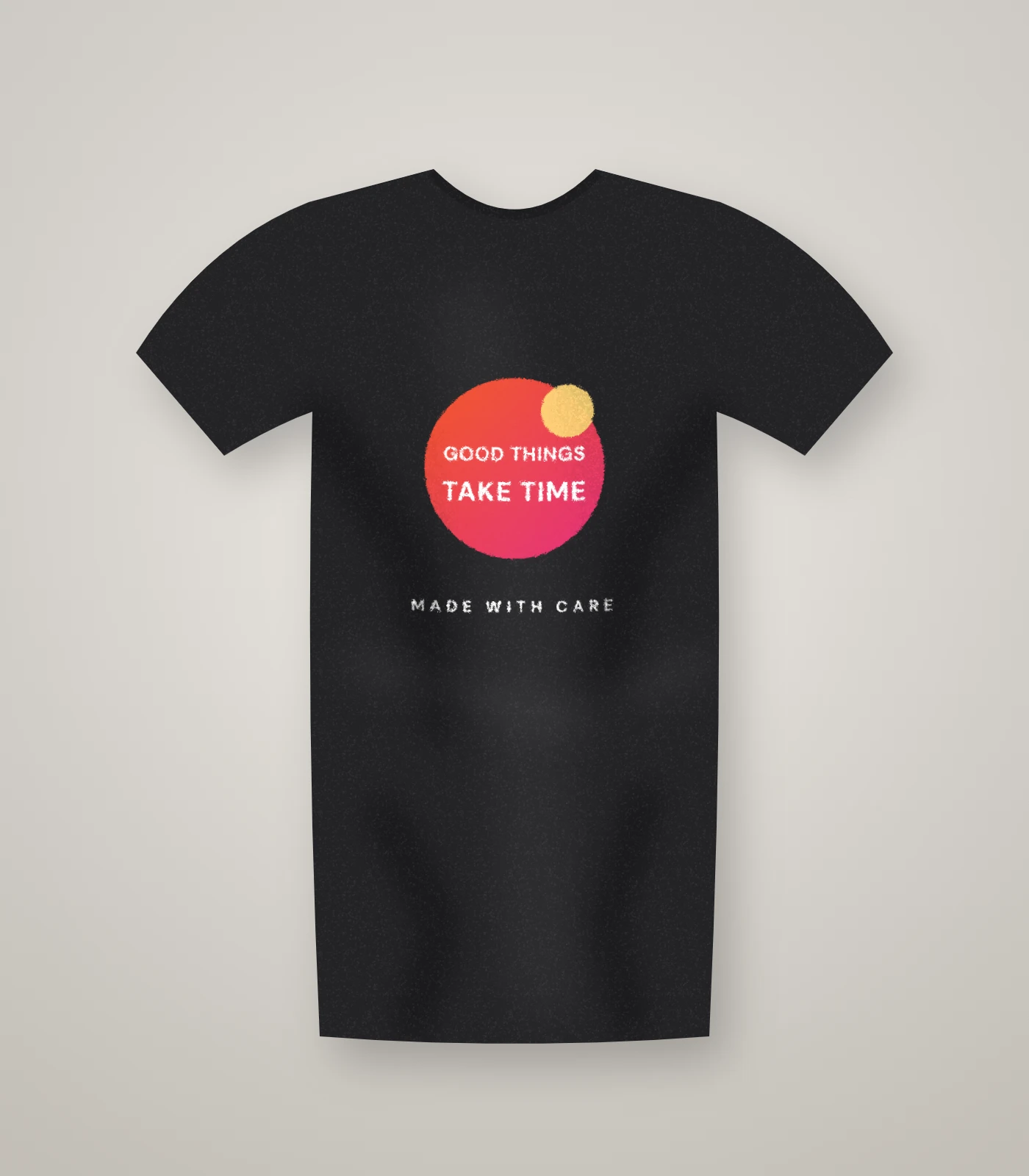
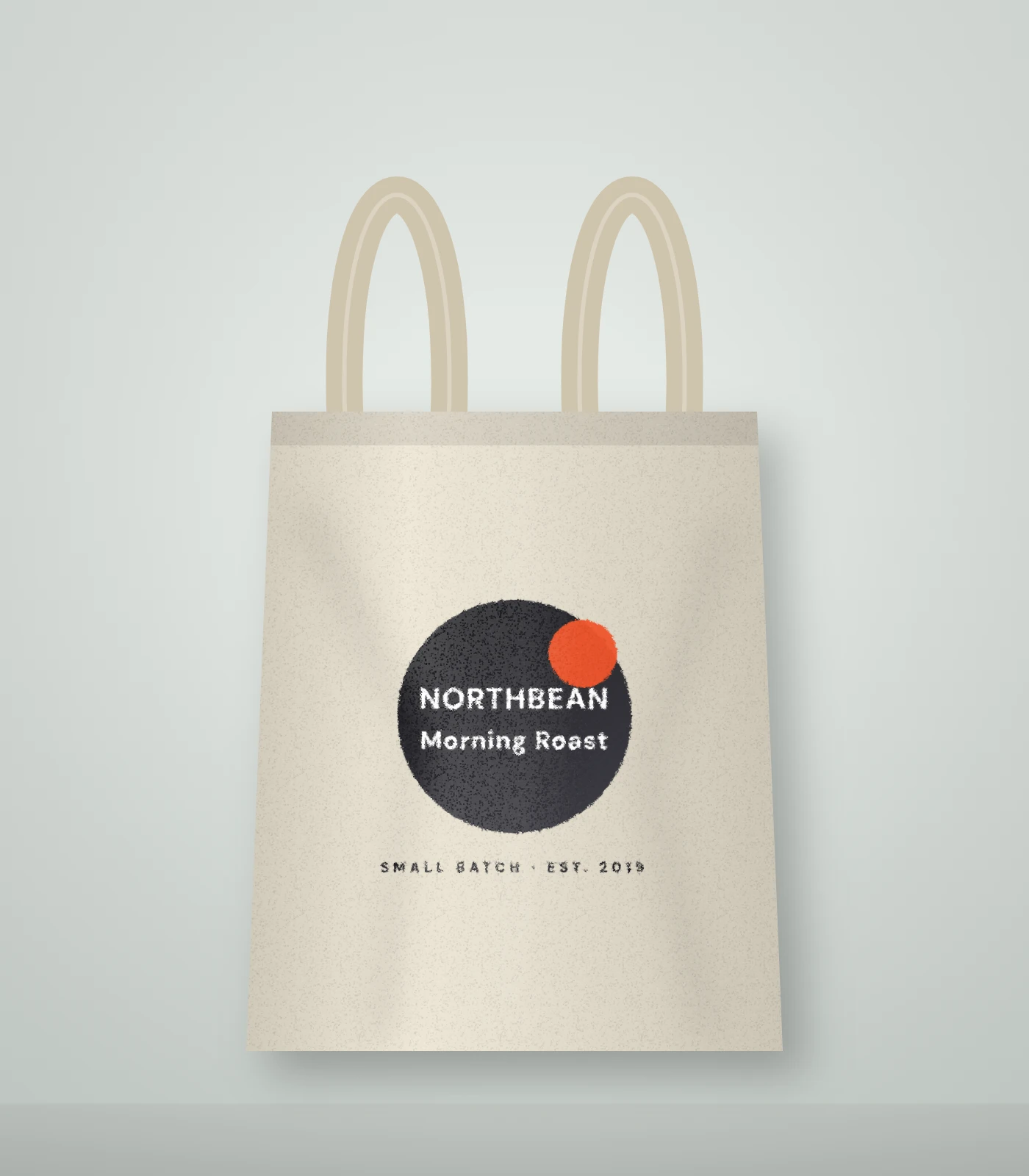
2D photo mockups too
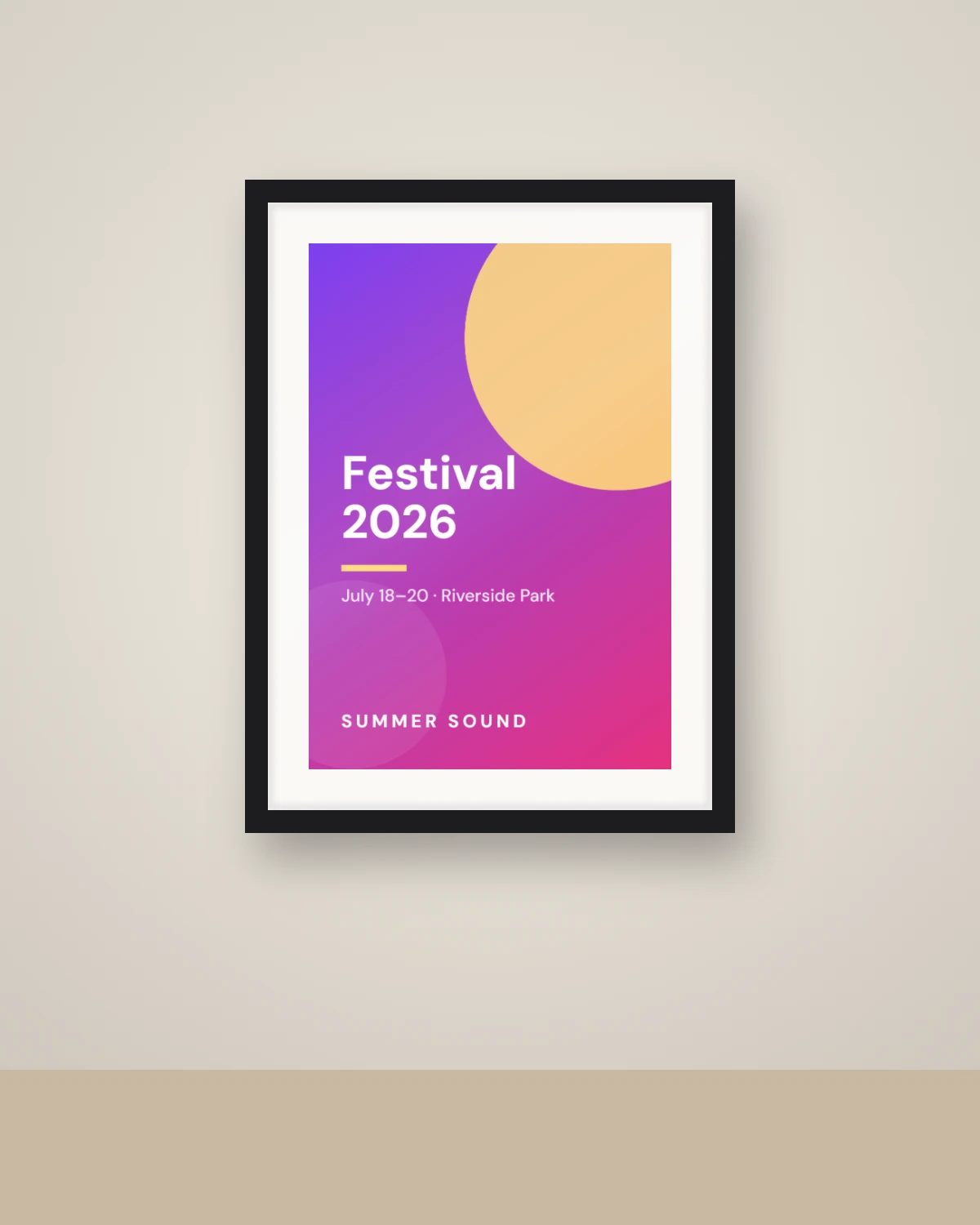
Prefer photography? Wrap your design onto photographic scenes — or a photo of your own product.
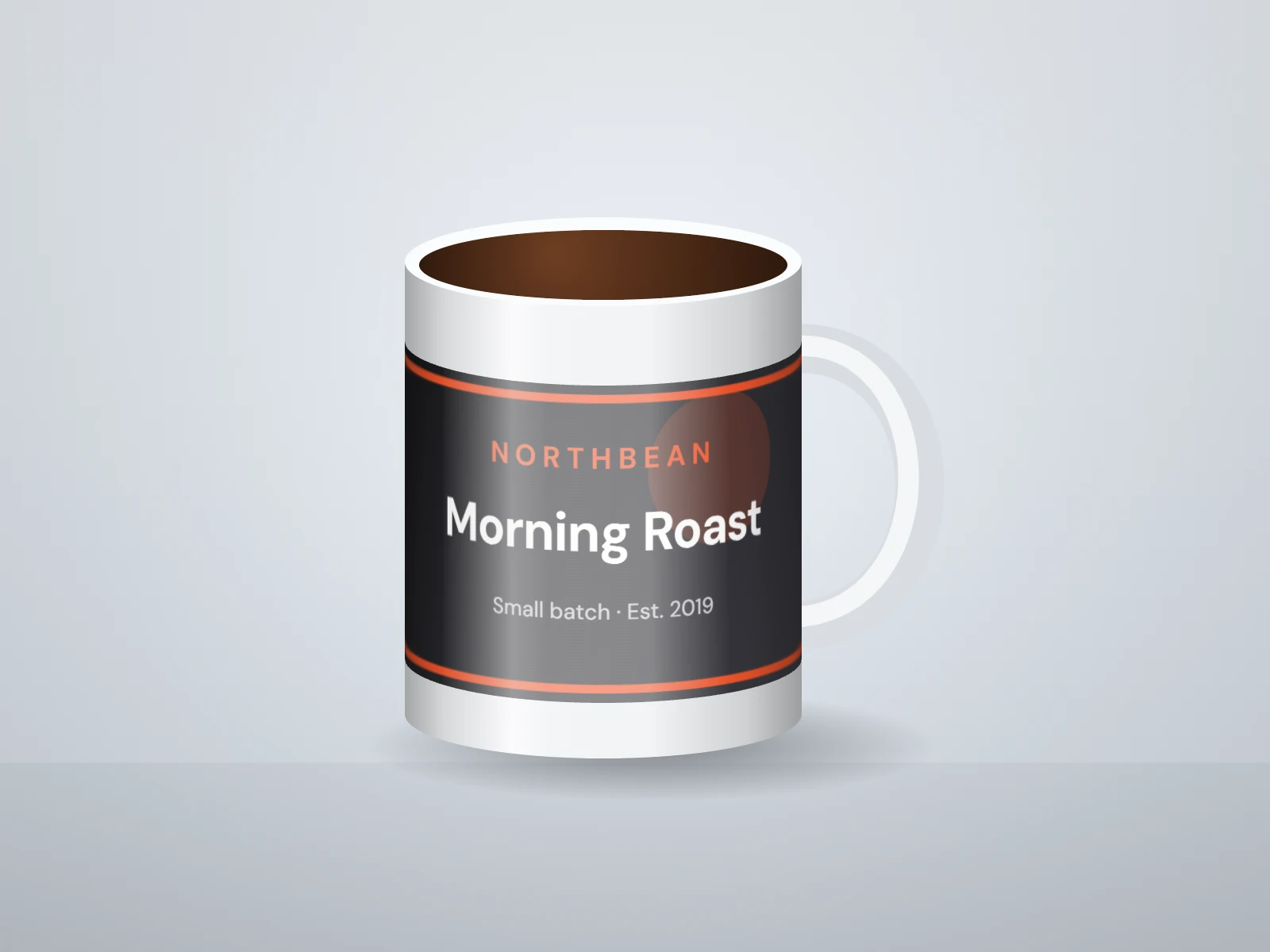
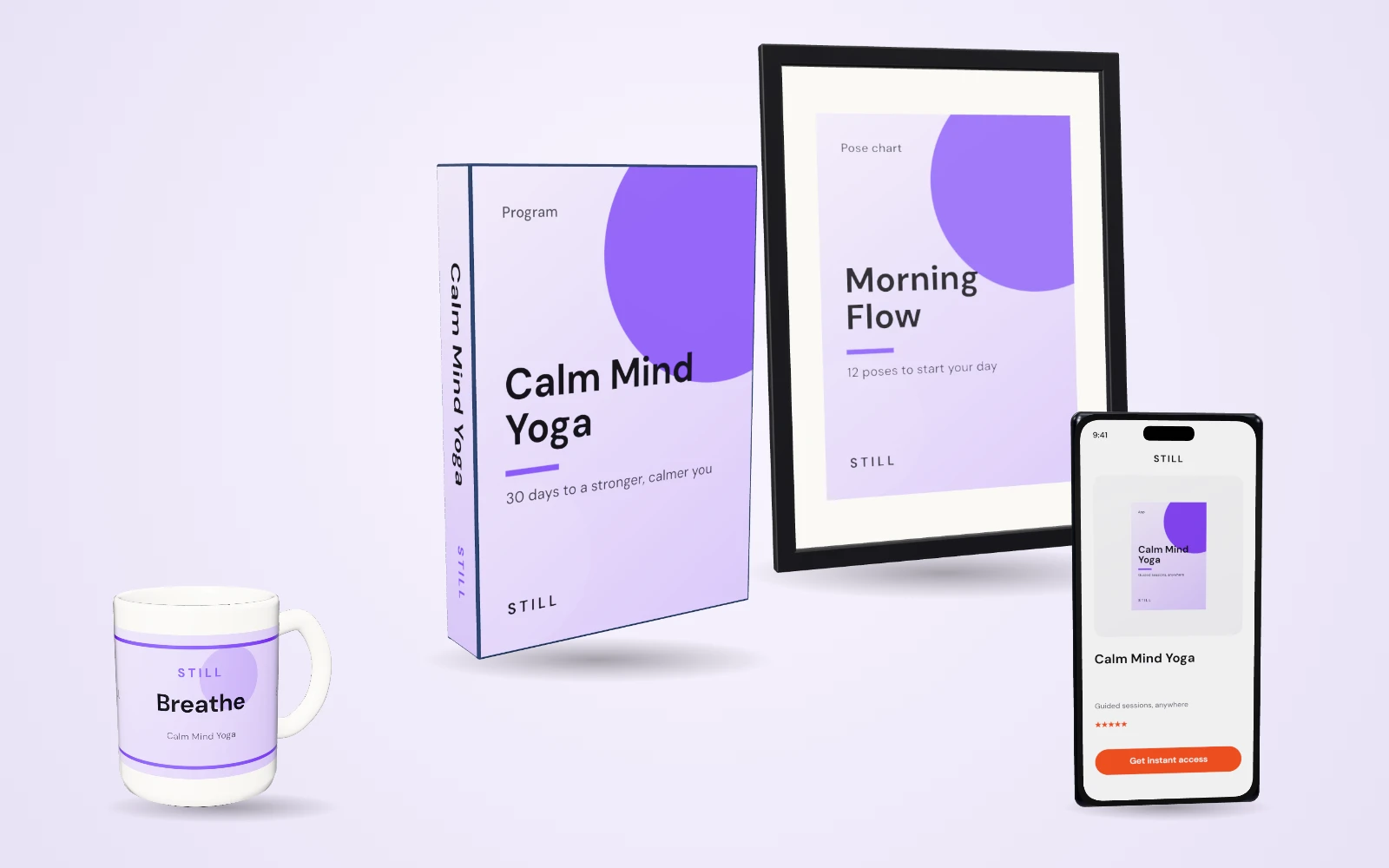
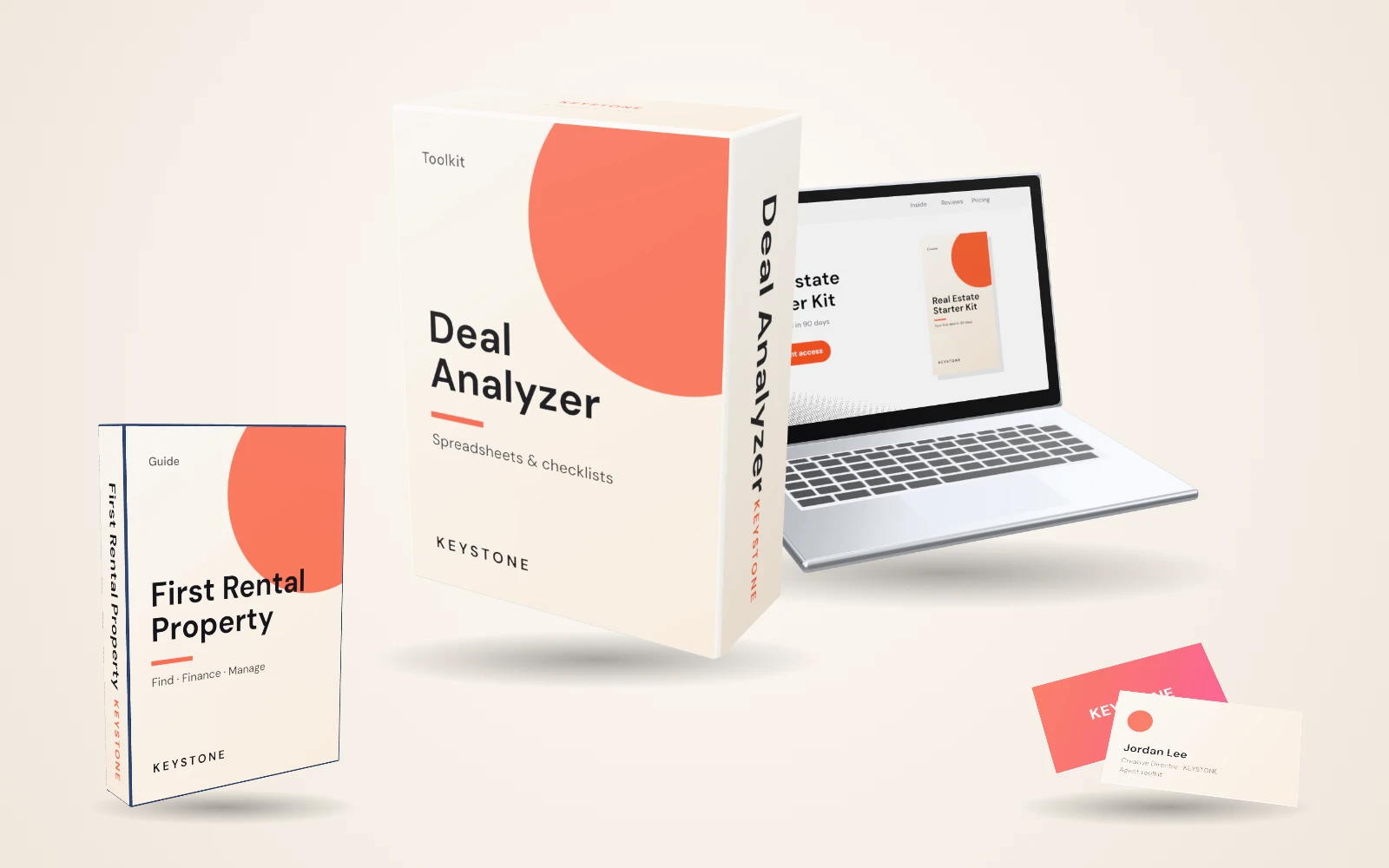
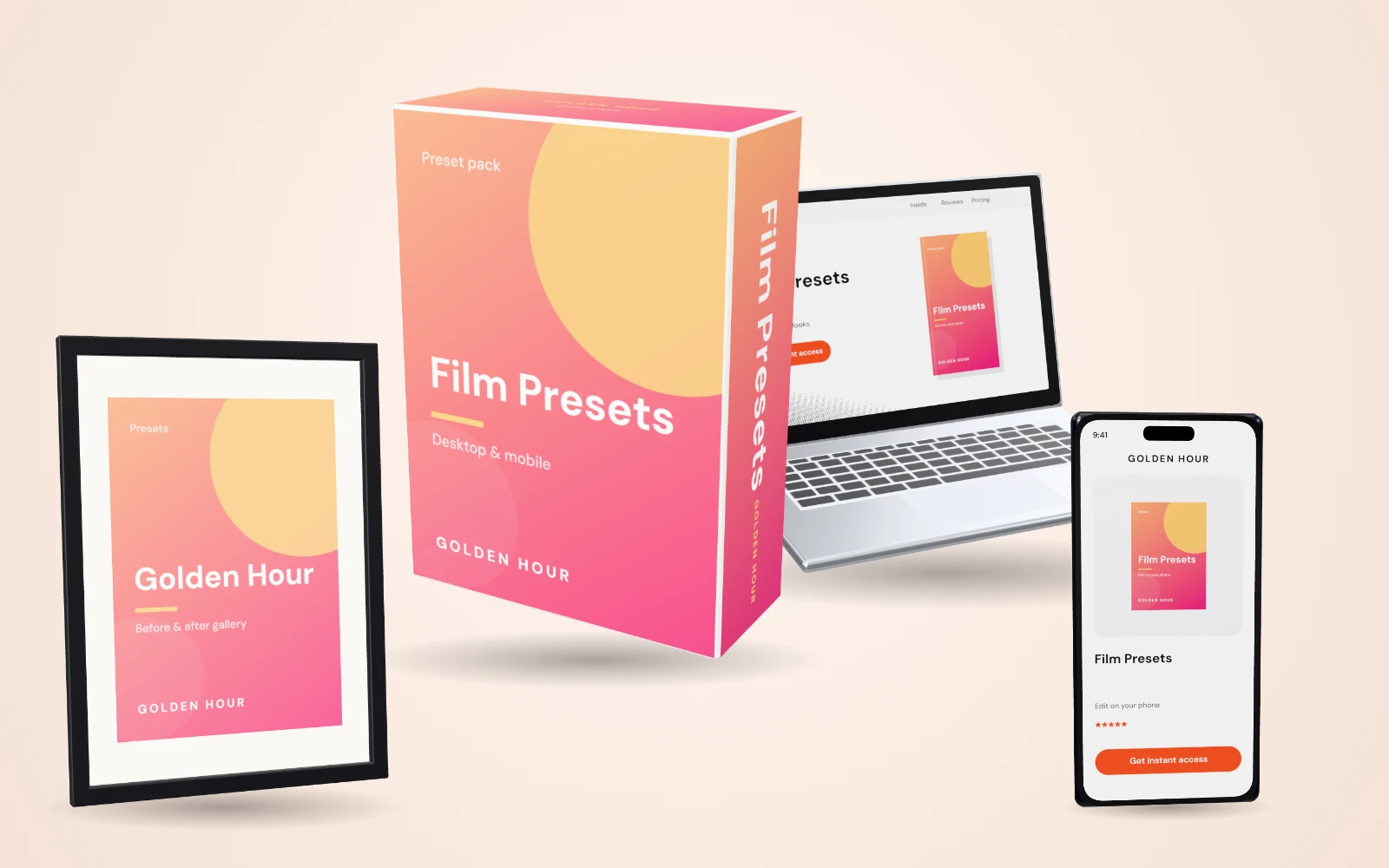
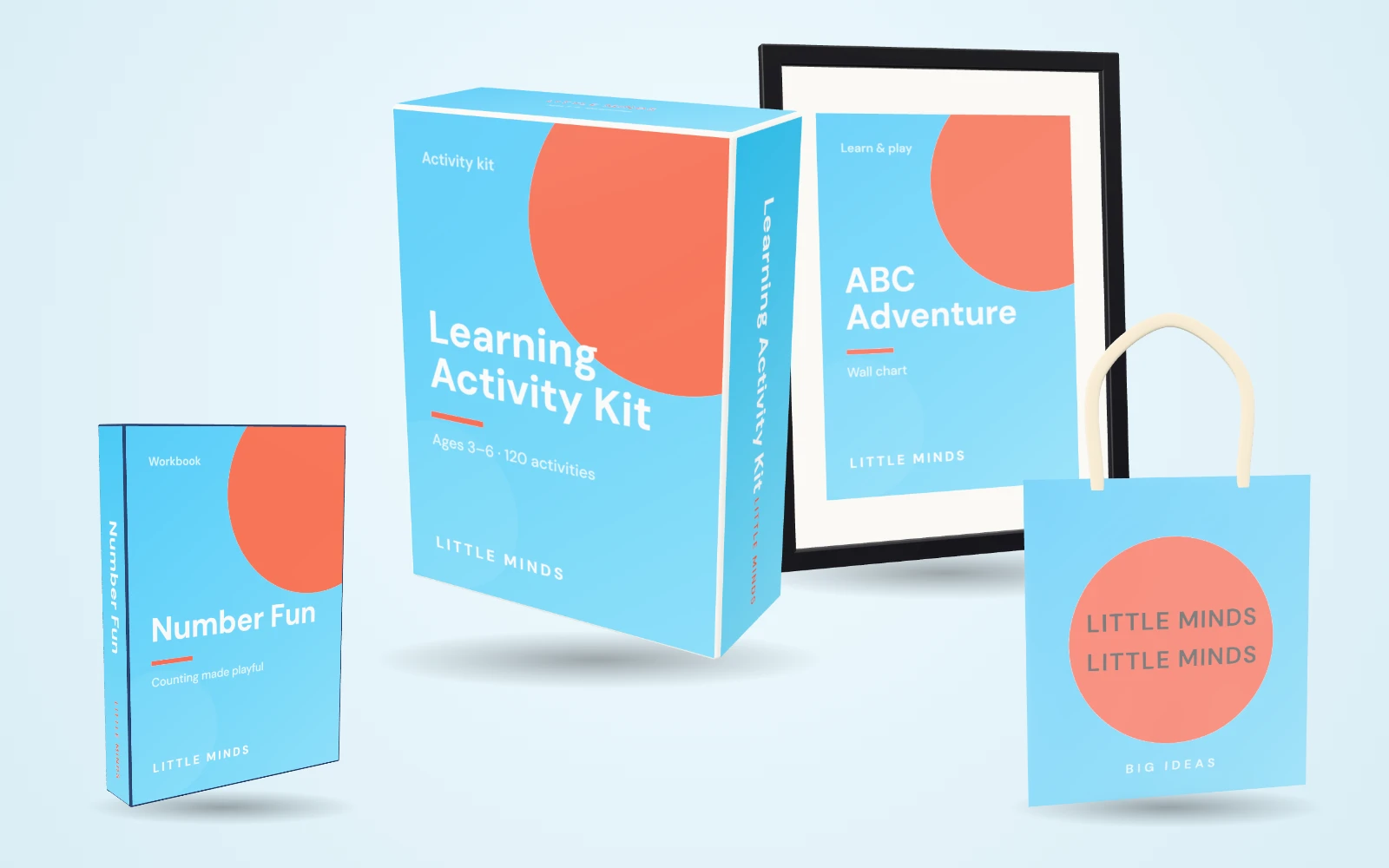
Bundles that make offers look irresistible
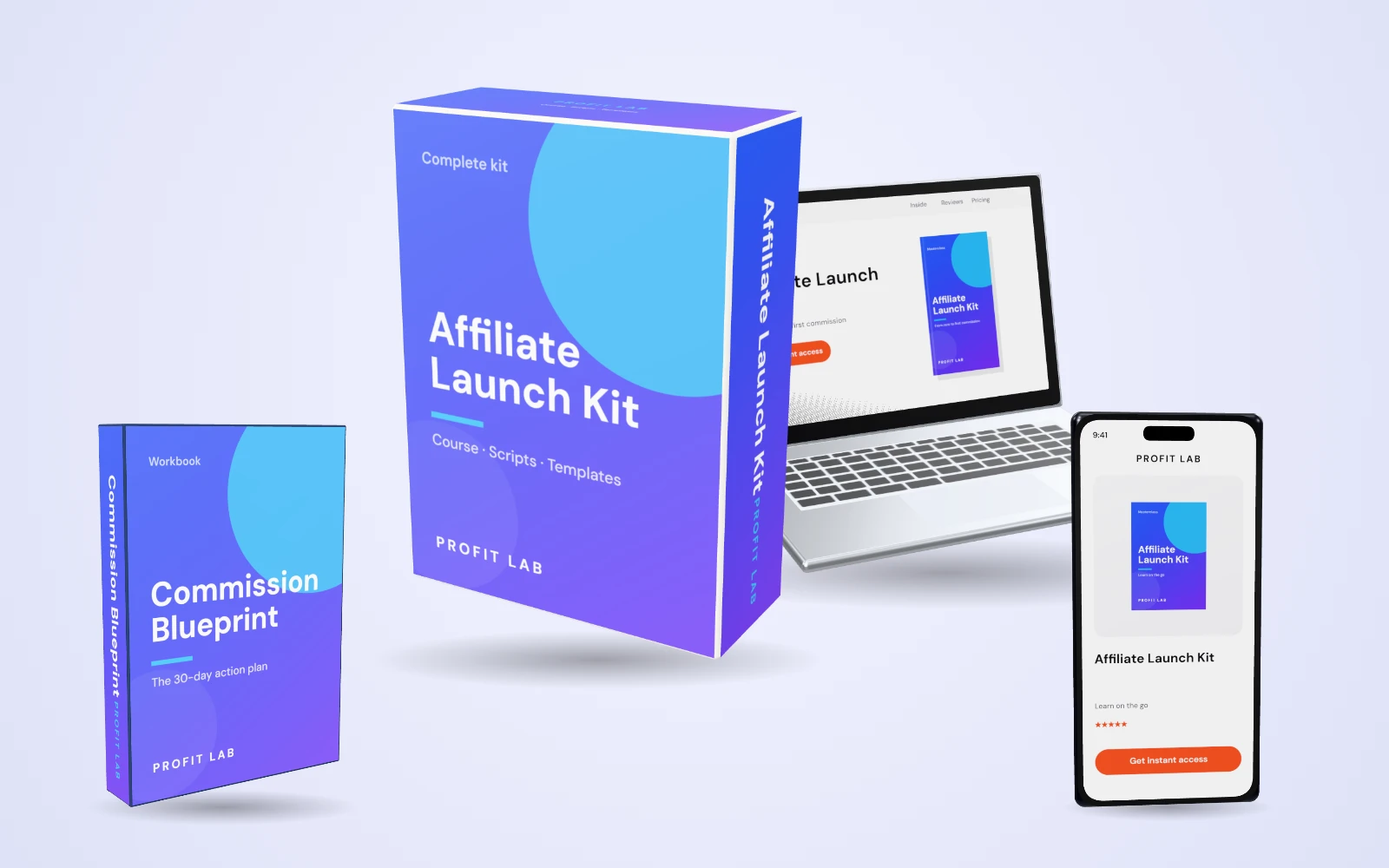
Boxes, books, devices and bottles in one shot — for courses, digital products, supplements and anything else you sell.
Course & digital product bundles
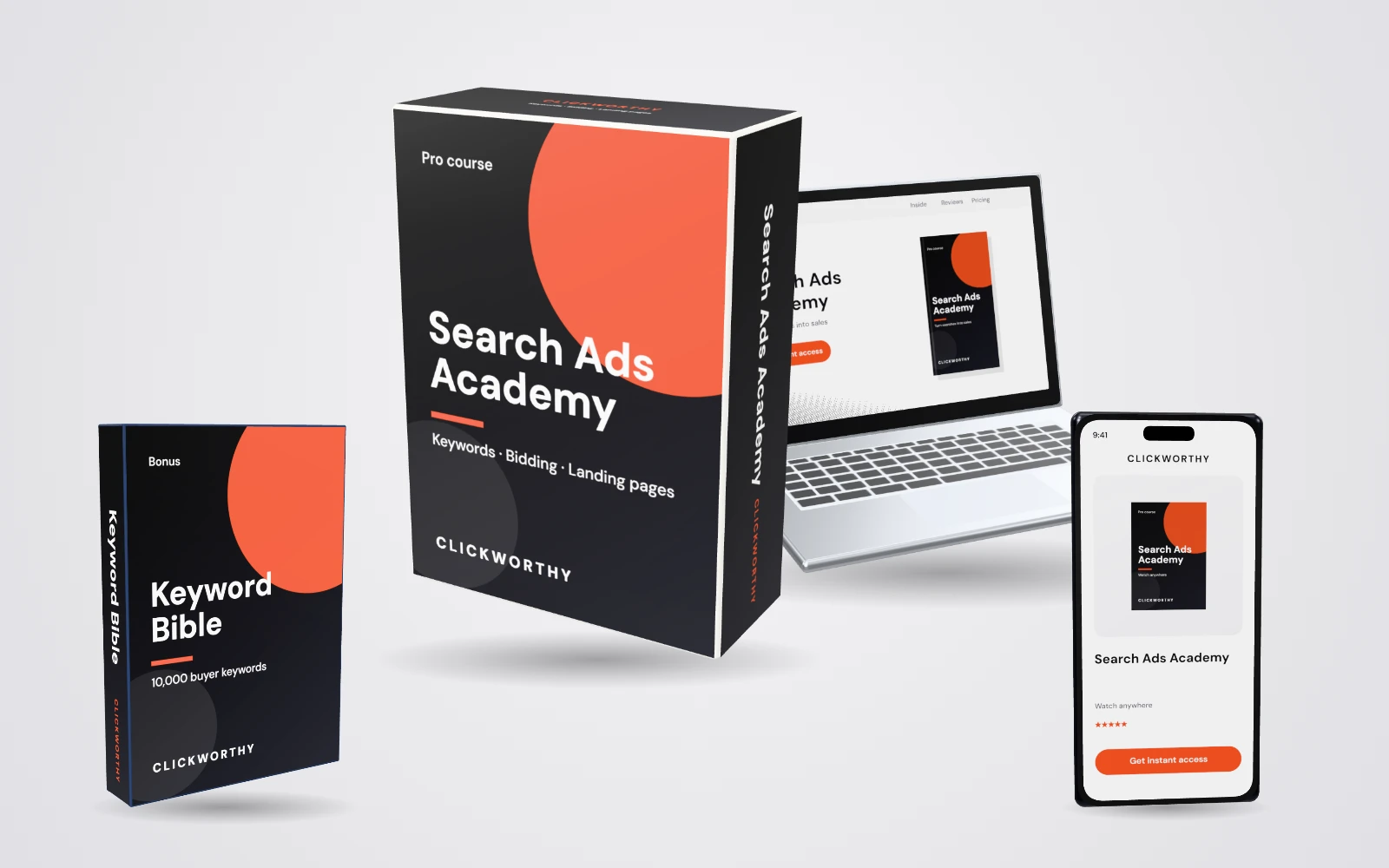
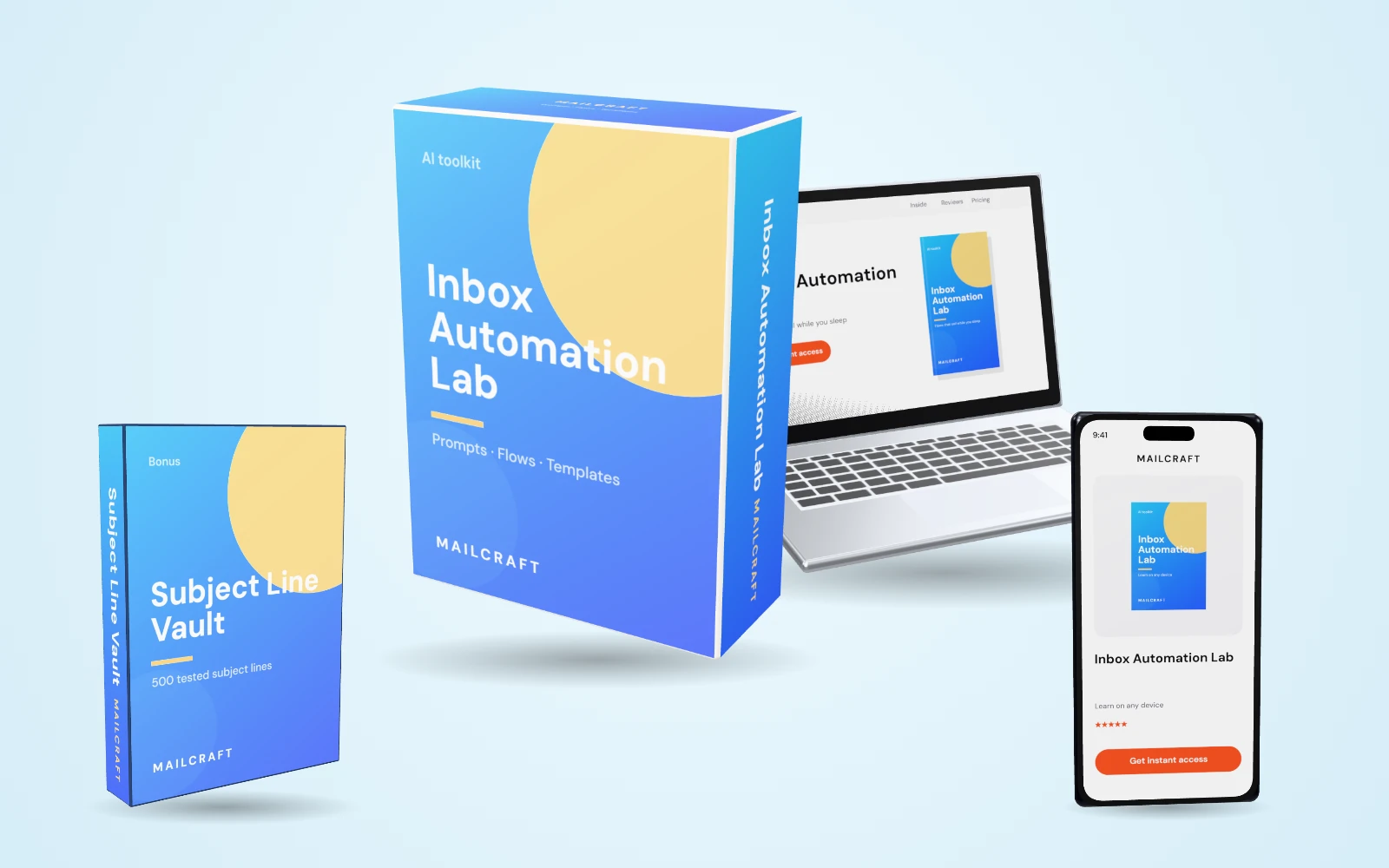
Health & physical product bundles
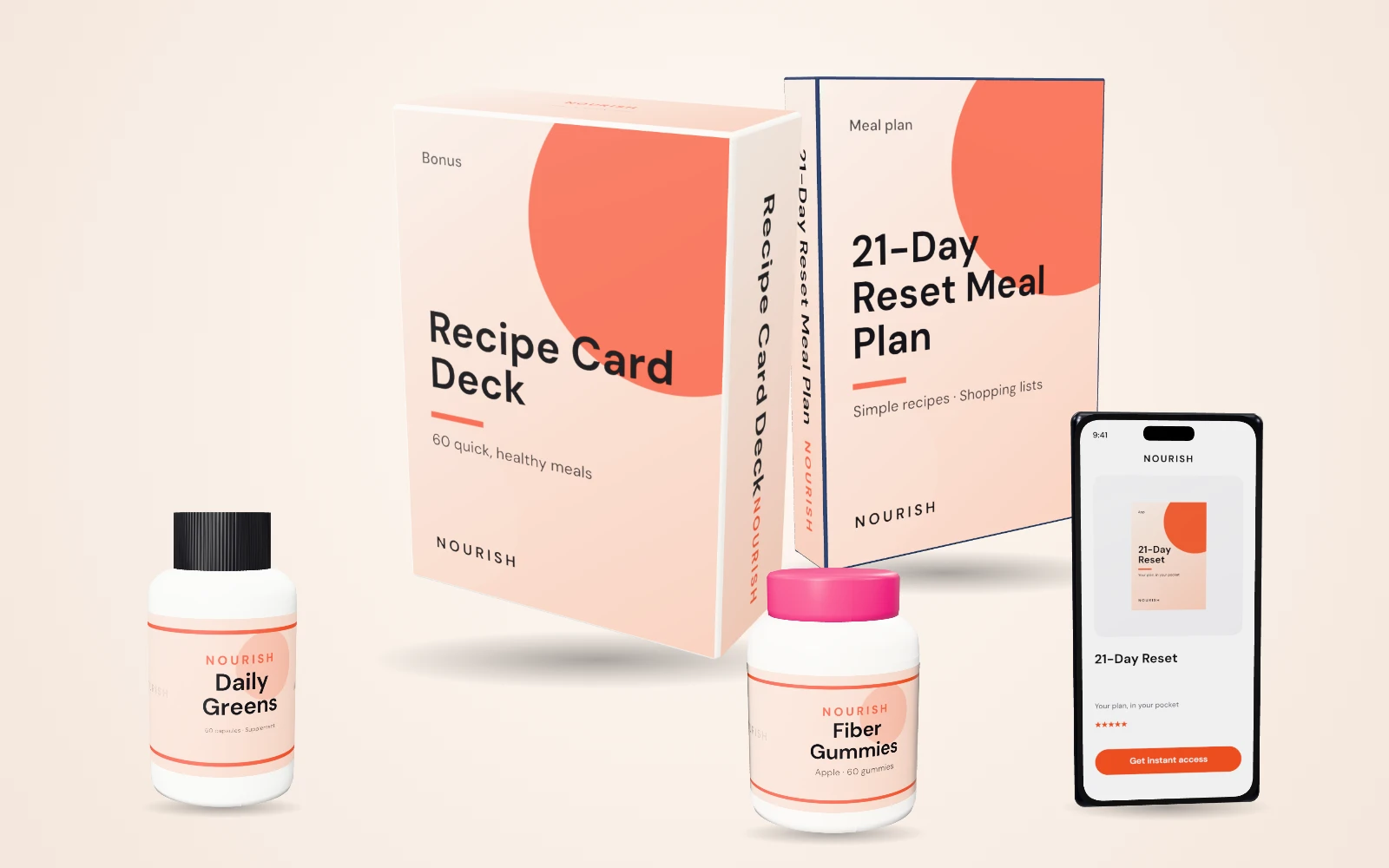
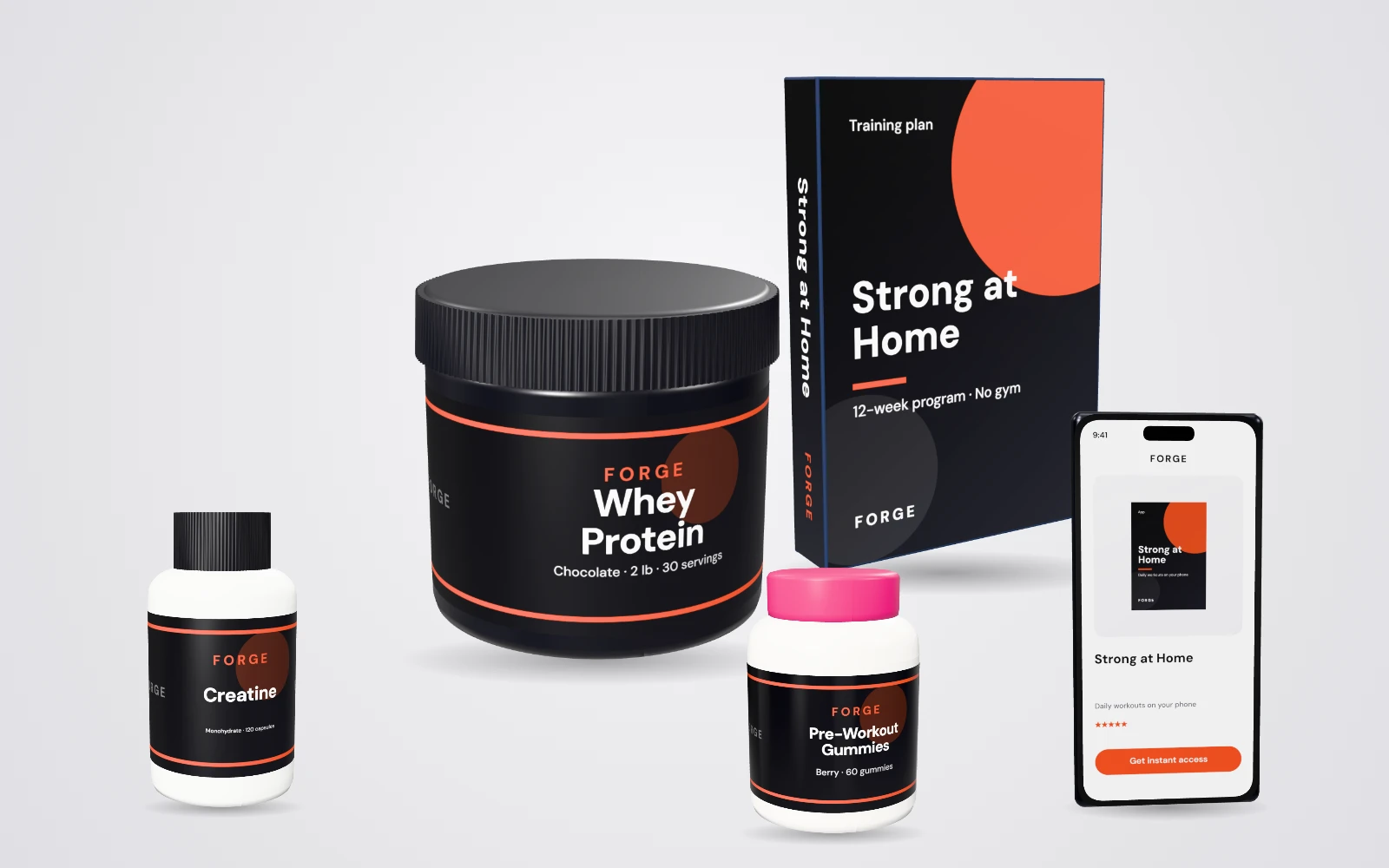
More bundles, any niche
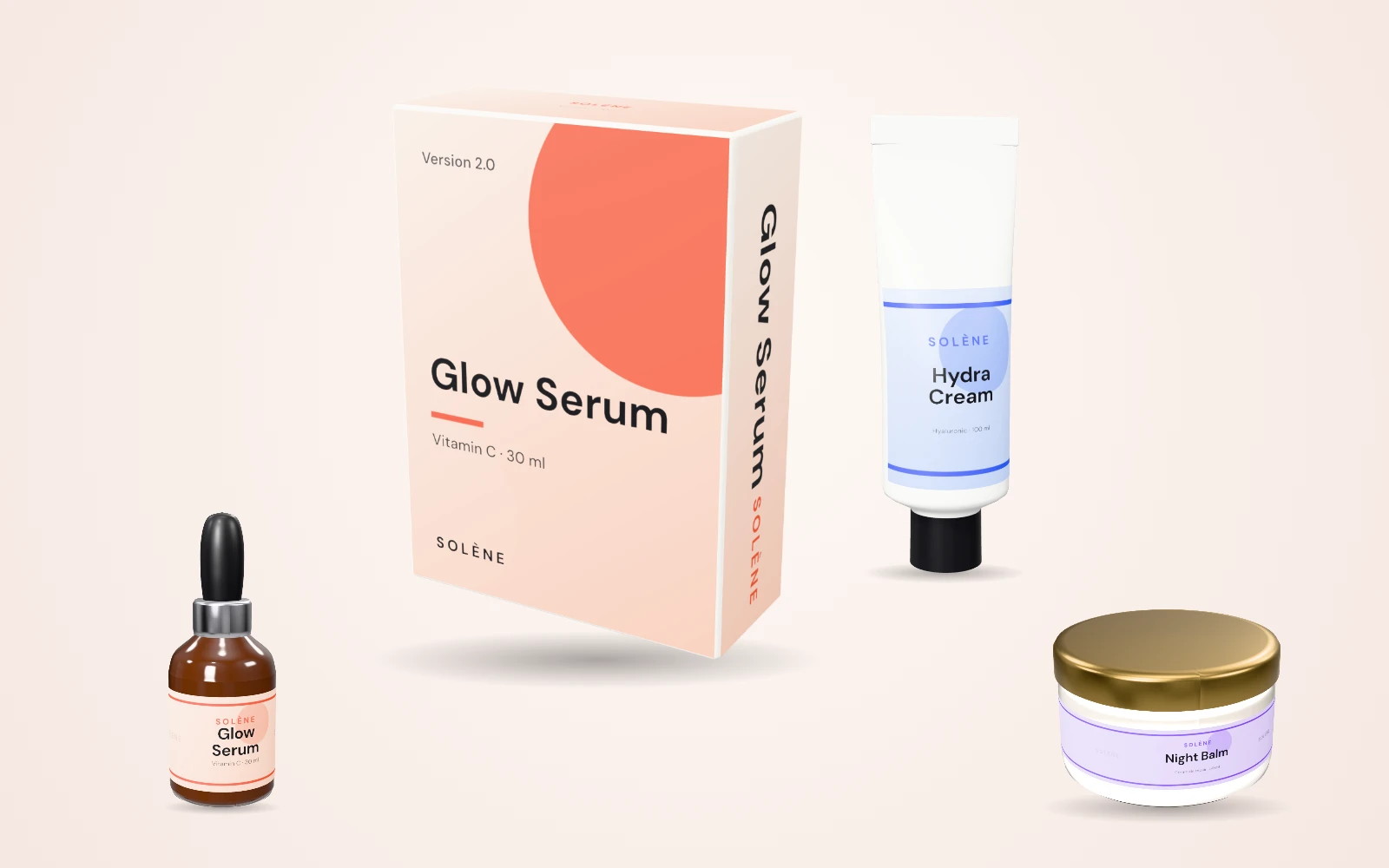
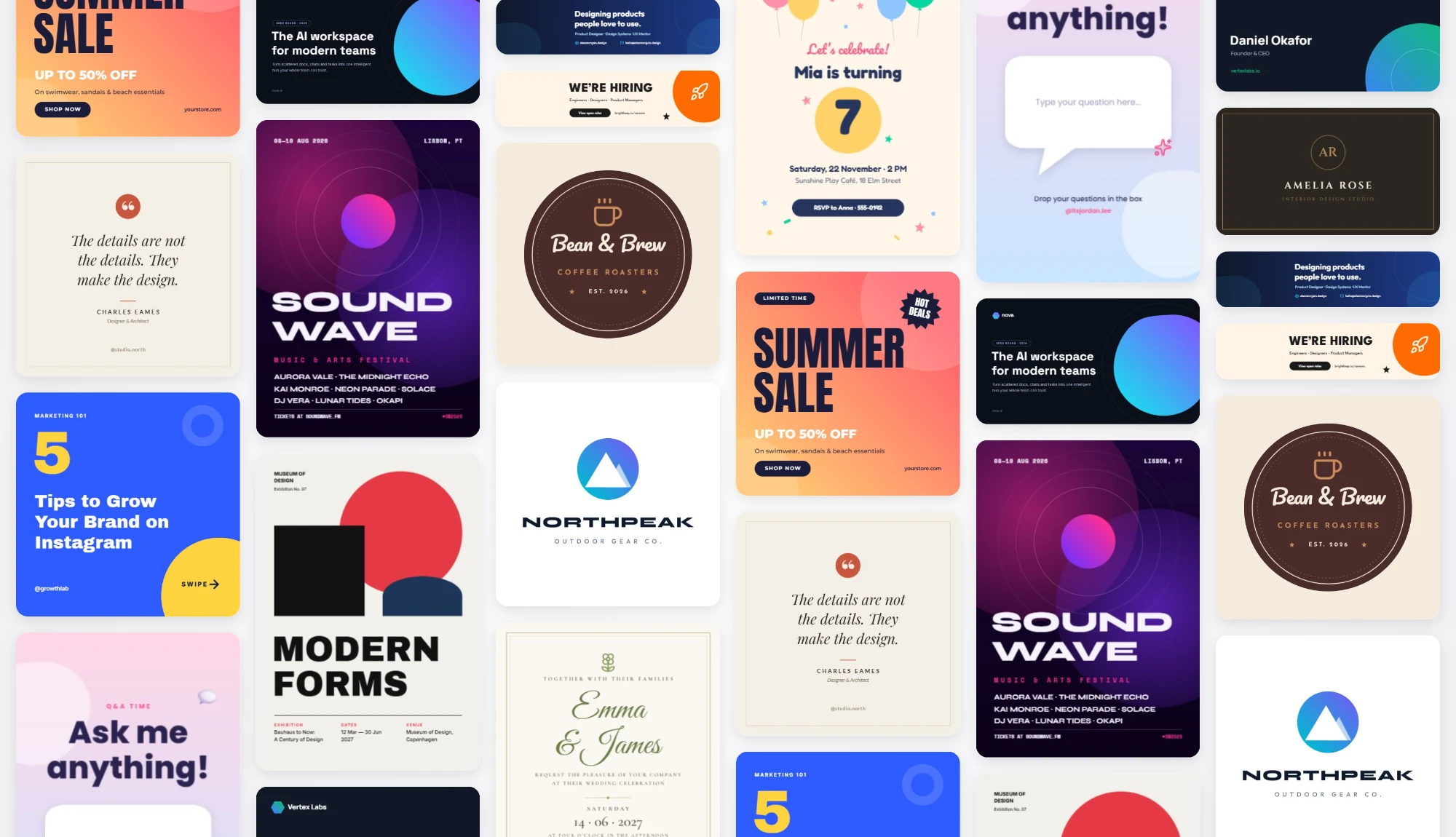
Done-for-you design templates & assets
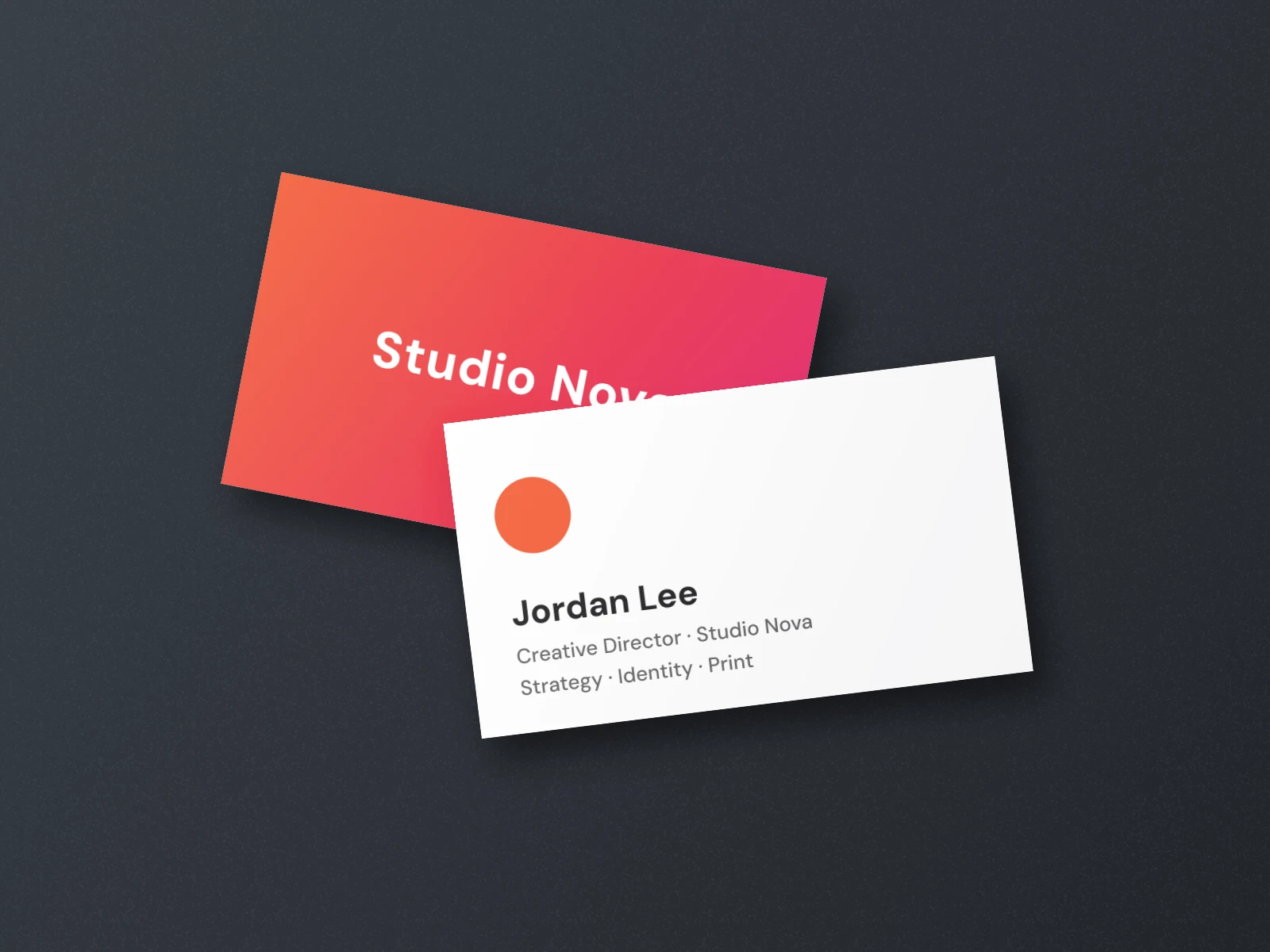
Social posts, stories, thumbnails, presentations, posters, business cards, invitations, logos and resumes — start from one and make it yours.
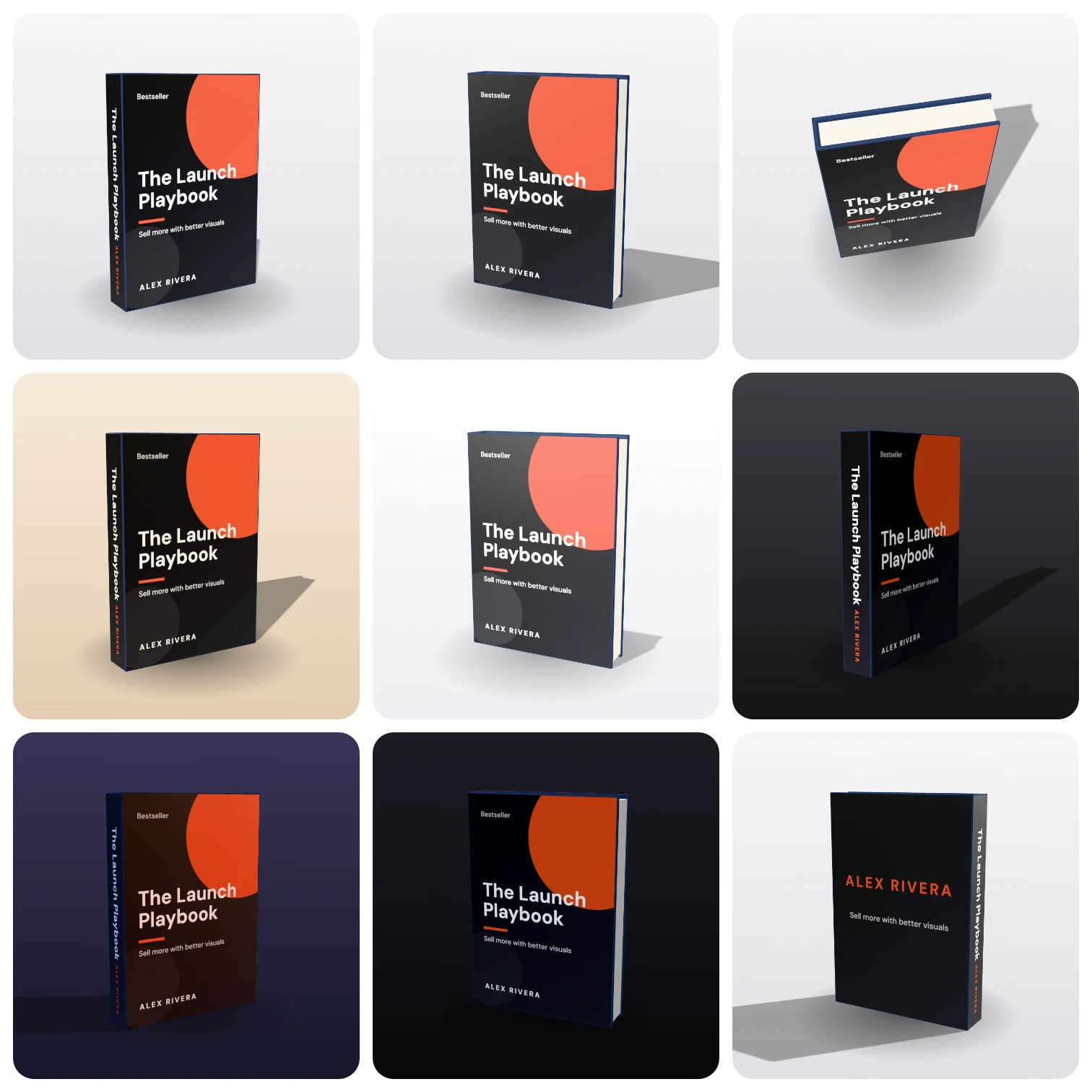
One design. Limitless variations.
Change the camera, the lighting or the product and the artwork follows — nine shots from one design, without touching the design again.
- Front, three-quarter, top-down and back views
- Studio, sunlight, dusk, neon and dramatic lighting
- Matte, satin, gloss, metallic or foil print
Advanced editor upgrades, built in
Asset libraries and pro workflow tools come with the editor — no add-ons, no plugins.
Layer management
Reorder, rename, hide, lock and group everything from one panel.
Multi-page designs
Carousels, decks and multi-page PDFs in a single file.
Magic resize
Turn one design into every format you need without starting over (Pro).
Every export format
PNG and JPG on every plan; WEBP, SVG, multi-page PDF and 4× resolution on Pro.
Transparent backgrounds
Drop product shots onto any page or ad without a box around them (Pro).
Help when you need it
A searchable help center, plus email support — priority on Business.
Perfect for anyone who sells online
Entrepreneurs
Launch with product shots that look like you hired a studio.
Social media marketers
Scroll-stopping posts and ads in every size, from one design.
Software & app creators
Put your app on a phone or laptop and your software in a box.
Website owners & bloggers
Featured images and lead-magnet covers that earn the click.
Online course creators
Make modules, workbooks and bonuses look tangible and valuable.
Video creators
Thumbnails and channel art from ready-made templates.
Funnel builders
Covers, boxes and devices for every step of the funnel.
Authors & publishers
3D book covers for launch pages, ads and retailer listings.
eCommerce owners
See labels, bottles and boxes before you print a single unit.
Life without Reillustra vs. life with it
Use it. Promote it. Sell it.
Use it
Make your own products look worth more on every page, post and ad you publish.
Promote it
Create bonus covers, bundle shots and ad creative for the products you promote as an affiliate.
Sell it
Offer mockups and product shots as a service. The Business plan includes a resale license for mockup images.
The old way only gets more expensive
Every campaign needs fresh visuals. Here's what that usually costs — and what it costs here.
Hire a designer
Charged per image, per angle and per revision — plus days of waiting for every round.
Stack of tools
A 3D app, a photo editor, an AI subscription and stock photos — each with its own bill and learning curve.
Do it yourself
Your evenings spent learning 3D software instead of building and selling your product.
Reillustra
500 designs and 300 3D mockup exports a month, with every angle and lighting setup included.
Start free. Upgrade when you're ready.
Up to 500 saved designs, every premium template and 300 watermark-free 3D mockup exports a month on Pro. Cancel anytime.
Free
For trying things out and quick personal projects.
- Up to 10 saved designs
- Free templates & 1,900+ icons
- PNG & JPG export at standard size
- 5 mockup exports per month (watermarked)
- Photo filters, effects & drawing
Pro
For creators and freelancers who design every week.
Billed monthly
- 500 saved designs
- All premium templates & mockups
- 300 3D mockup exports a month, no watermark
- PNG, JPG, WEBP, SVG & multi-page PDF
- Export up to 4× resolution, transparent backgrounds
- Magic resize to any format
Business
For studios and brands selling with their designs.
Billed monthly
- Everything in Pro
- 2,500 saved designs
- 1,500 3D mockup exports a month
- Commercial & resale license for mockups
- Priority support (reply within 1 business day)
- Invoices with your company details
- Early access to new features
14-day money-back guarantee
Start on the free plan for as long as you like. When you upgrade, your first payment on a new Pro or Business subscription is covered by a 14-day money-back guarantee — if it isn't right for you, ask for a refund and you'll get it.
Read the refund policyThe old way?
- Brief a designer, then wait
- Pay again for every revision
- Learn 3D software from scratch
- Fight AI prompts for readable text
- Juggle five different tools
- Push the launch back… again
The Reillustra way?
- Log in
- Pick a template or upload your art
- Wrap it onto a product
- Spin, light and export
- Launch, promote and sell
3 reasons to start with Reillustra today
Faster
Minutes instead of days. No briefs, no queues, no renders to babysit.
Effortless
Templates, instant wrap and one-click lighting do the heavy lifting.
Profitable
Better visuals make offers look worth more — on every page, post and ad.
Questions, answered
Is it really that easy to create professional mockups?+
Yes. Pick a product, add your design — from a template, an upload or a blank page — and drag to spin it. Lighting, shadows and reflections are handled for you, so you can export your first shot within a few minutes.
Do I still need to hire a designer or a coder?+
No. Reillustra is built for non-designers, and there's nothing to code. If you already work with a designer, they can hand you a flat file and you can mock it up yourself in any angle you need.
Do I have to install anything?+
No. Everything runs in a modern browser — Chrome, Edge, Safari or Firefox — on Mac, Windows or Chromebook. A laptop or desktop gives you the most room to work.
I don't think I need graphics right now. Should I wait?+
There's a free plan, so there's nothing to wait for. Make an account, try a few mockups, and upgrade only when you're ready to launch.
Who owns the designs I create?+
You do. You own the designs you create and the files you upload. We only store and process them to run the service for you — see the Terms of Service for the details.
Are the graphics and photos inside free to use?+
Yes. Templates, icons and shapes are included in your plan, fonts come from Google Fonts, and stock photos come from Lorem Picsum (Unsplash-sourced, free to use). They remain subject to their providers' licenses.
Can I use my own logos, photos and images?+
Absolutely. Drag, drop or paste PNG, JPG, WEBP, GIF and SVG files into the editor or straight onto a 3D product. You can even upload your own 3D model.
Will this help me get more traffic and sales?+
Nobody can honestly promise specific results. What better visuals do is make your offer easier to understand and more valuable-looking — and with mockups in minutes, you can test fresh creative far more often.
Can I make mockups for clients?+
Yes. You can use your designs commercially on every plan, and the Business plan adds a resale license for mockup images, so you can sell mockup work and products shown in your mockups.
I already have design software. Why switch?+
Most tools either design or render 3D — rarely both, and rarely simply. Reillustra puts a full editor and a 3D product studio in one tab, so going from a flat file to a finished product shot takes minutes.
What's the refund policy?+
New Pro and Business subscriptions come with a 14-day money-back guarantee on the first payment. If it isn't right for you, ask for a refund within 14 days.
What if I have other questions?+
Browse the help center, use the contact form, or write to [email protected] and we'll get back to you.
More in the help center.